Best truly free AI object removers (no signup, no watermark)
"Free" means six different things across these tools. Some watermark the output. Some downscale to a useless preview. Some are free only if you already own the right $1,200 phone. This roundup is the honest version: what each tool actually gives you for $0, where each catches you, and which one to reach for first.
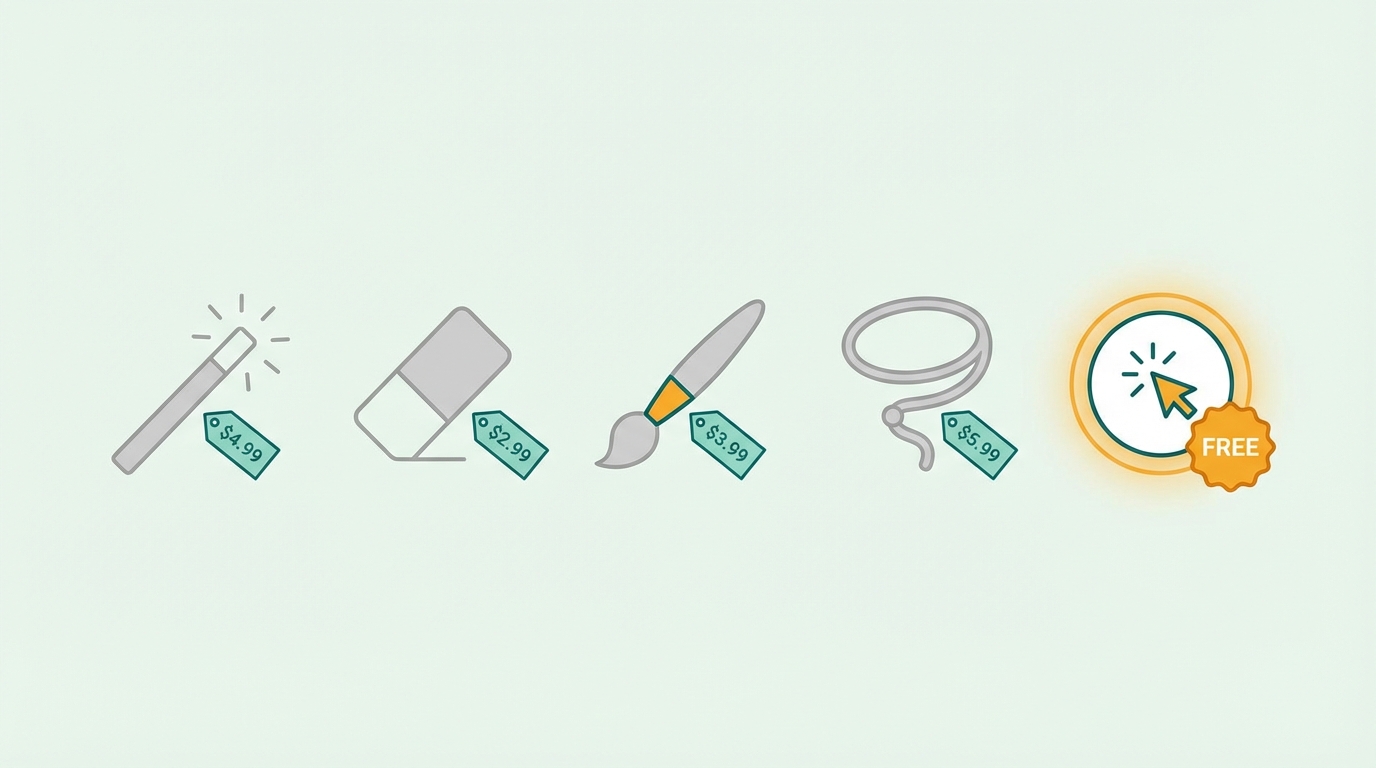
What "free" actually means at each tool
"Free" hides a lot. Some tools watermark the output. Some downscale your image to a thumbnail you cannot use. Some are free only because they're locked to a $1,000 phone. Here is the honest version, tool by tool, accurate as of May 2026.
| Tool | Free tier | Catch |
|---|---|---|
| BOARD | 5 edits, full resolution, no watermark | Counter resets if you clear browser data |
| Cleanup.pictures | Unlimited but capped at low resolution (~720px) | Pay to download full-res result |
| Canva | Limited magic eraser uses on free plan | Most uses require Canva Pro ($14.99/mo) |
| Photoroom | Watermarked free output on most features | Watermark removal needs $9.99/mo plan |
| Apple Clean Up | Free, no watermark | Only iPhone 15 Pro+ and M-series iPad |
| Google Magic Eraser | Free on Pixel; subscription elsewhere | Google One ($1.99/mo) required on non-Pixel devices |
| Samsung Object Eraser | Free, no watermark | Only on Galaxy S22 and newer |
| Adobe Photoshop | No free tier | $22.99/month minimum |
Pricing changes. If you're reading this after May 2026, verify on each tool's pricing page before deciding.
Detailed look at each free tool
BOARD: 5 edits, no watermark, no signup, full resolution
BOARD's free tier is what most people mean when they say "actually free." Five edits per browser session, no account required, no email collected, full resolution download, no watermark on the output. The catch is the cap: at five edits, you either pay $0.50 per additional edit or open the tool in a fresh browser to reset the counter (which technically works, though we'd rather you just buy a credit pack).
Strong on people removal, signs, vehicles, and most isolated objects. Weaker on tightly-overlapping subjects and very large objects covering complex repeating patterns.
Cleanup.pictures: unlimited free at low resolution
The longest-running free option. Made by ClipDrop (now part of Stability AI). Unlimited uses, no account, brush-based selection. The catch is that the free download is capped at around 720px on the longest edge. For social posts, that's adequate. For print, marketplace listings, or anything requiring full quality, you hit the paid upgrade ($5-10/month depending on plan).
The brush workflow gives more precise control than auto-detect tools, but takes longer per edit. Best for irregular shapes and shadows that auto-detection misses.
Canva Magic Eraser: free if you already pay for Canva
Canva includes Magic Eraser in their photo editor. The free Canva account gets limited uses per month. Canva Pro ($14.99/month) unlocks generous use, plus the rest of Canva's design suite. If you're already paying for Canva for design work, this is the cheapest path to object removal. If you're not, the standalone cost is high relative to dedicated tools.
Output quality is competent on simple removals, weaker than dedicated tools on complex scenes.
Photoroom: watermarked free, strong product-photo focus
Photoroom's free tier outputs a watermarked image on most operations. To remove the watermark, you need their Pro plan ($9.99/month). For people who do product photography frequently, the subscription pays for itself in a single batch. For occasional cleanup, the watermark makes the free tier mostly useful as a preview.
Strong on background removal for products and portraits. Less suited for in-scene object removal.
Apple Clean Up: free if you own the right iPhone
Built into iOS 18.1 Photos. Auto-detects removable objects, lets you tap or brush. Output is clean, no watermark, no signup, runs on-device. The catch is hardware: iPhone 15 Pro, iPhone 15 Pro Max, iPhone 16 line, and M-series iPads only. Any earlier iPhone or non-Pro iPhone 15 gets nothing. For Mac users, Clean Up arrived in macOS Sonoma 14.1+.
Google Magic Eraser: free on Pixel, paid elsewhere
Free without limits on Pixel 6 and newer. On any other Android phone or any iPhone, it requires a Google One subscription starting at $1.99/month. For Pixel owners, this is the easiest path. For everyone else, the subscription cost matters: $24/year for what other tools give you free in a browser.
Samsung Object Eraser: free on Galaxy
Built into Samsung Gallery. Free, no watermark, no signup. Galaxy S22 and newer. Same one-tap pattern as Magic Eraser and Clean Up. If you have a recent Galaxy, this is the obvious choice. If you don't, the only path is buying a Galaxy or using a browser tool.
Which one to pick first
- If you have an iPhone 15 Pro or newer: try Apple Clean Up first. It's already in your Photos app.
- If you have a Pixel 6 or newer: try Google Magic Eraser. Open Photos, tap Edit.
- If you have a Galaxy S22 or newer: try Samsung Object Eraser. Open Gallery, tap Edit.
- If you have any other phone (iPhone 14 or older, non-Galaxy Android, etc.): open brd.ing in your browser. Five free edits, no app, no account.
- If you need maximum control (and don't mind brushing): Cleanup.pictures gives you unlimited free uses at low resolution. Upgrade if you need full quality.
- If you already pay for Canva: use Canva Magic Eraser inside the design flow you already use.
How to remove objects from photos free with BOARD
Open app.brd.ing in any browser. No email address. No password. No credit card. The editor loads right away. Your free edit counter starts at 5 and counts down as you use it.
Drag the photo into the editor or tap to select from your camera roll or file system. BOARD accepts JPEG and PNG. If you're working from a phone, the original file from your camera roll works best, not a screenshot or a compressed share.
BOARD detects objects in the photo automatically after upload. Hover over the scene and you'll see objects highlight as BOARD identifies them. Click the thing you want gone: a sign, a trash can, a photobomber, a distracting car in the background.
Run removal and wait a few seconds. BOARD returns the full-resolution edited image. Download it directly. No watermark on the output file. That used one of your five free edits.
How to get the most from your 5 free edits
Five edits goes further than it sounds. A few things to keep in mind before you start:
- Use your best photos first. The five free edits are most valuable on photos you actually care about, not test images or experiments.
- Each removal uses one edit. Removing three different objects from the same photo counts as three edits. If you want to clean up a photo with multiple distractions, decide which objects matter most before you start.
- Download before moving on. BOARD returns the edited image after each removal. Download it before starting the next edit so you have the clean version saved.
- The second pass costs one more edit. If the first removal leaves a small artifact, a second pass on that region usually cleans it up. Often it's worth it.
Start with the photo that made you search for this tool. That's the one where a clean result will actually matter. Don't waste free edits figuring out how the tool works. The UI is simple enough that you don't need a practice run.
After the free edits: no subscription required
Once your five free edits are used, BOARD does not push you toward a monthly plan. Credits are available in small packs, starting around $0.50 each. If you clean up a few photos a month, the tool costs less than a cup of coffee for most months.
There is a subscription option for heavier users, but it's not the only path. Most people who use BOARD occasionally buy a small credit pack and work through it over time.
This is different from most AI photo editing tools, which are subscription-first and make it awkward to pay for occasional use.
Frequently asked about the free tier
Do I need an account to use BOARD free?
No. The free tier works without any account. Your 5 free edits are tracked in your browser session. If you clear your browser data or use a different browser, the counter may reset.
Is the free output full resolution?
Yes. BOARD does not downscale free-tier output the way some competitors do. You get the same resolution you uploaded. A 12MP photo goes in, a 12MP edited photo comes out.
Is there a watermark on free edits?
No. Free edits have no watermark on the output file. The photo you download is clean. That's the whole point: a free tier that's actually free, not a preview tier that forces an upgrade to get a usable file.
What happens after 5 free edits?
You can purchase edit credits in small packs. There is no mandatory subscription. Credits cost around $0.50 per edit, so occasional use stays cheap. A subscription option exists for people doing higher volumes of edits.
Which free AI object remover has no watermark?
BOARD has no watermark on free-tier output. Apple Clean Up, Google Magic Eraser, and Samsung Object Eraser also output clean images, but they require specific hardware. Cleanup.pictures is free at low resolution only; full-resolution downloads require their paid plan. Canva Magic Eraser has limited free uses but does not watermark the output.
Keep reading
Five free edits. No account. Start now.
Upload your photo and see the result. No signup, no watermark, full resolution.
Clean Up a Photo Free →