Photoshop Generative Fill alternative: an honest comparison
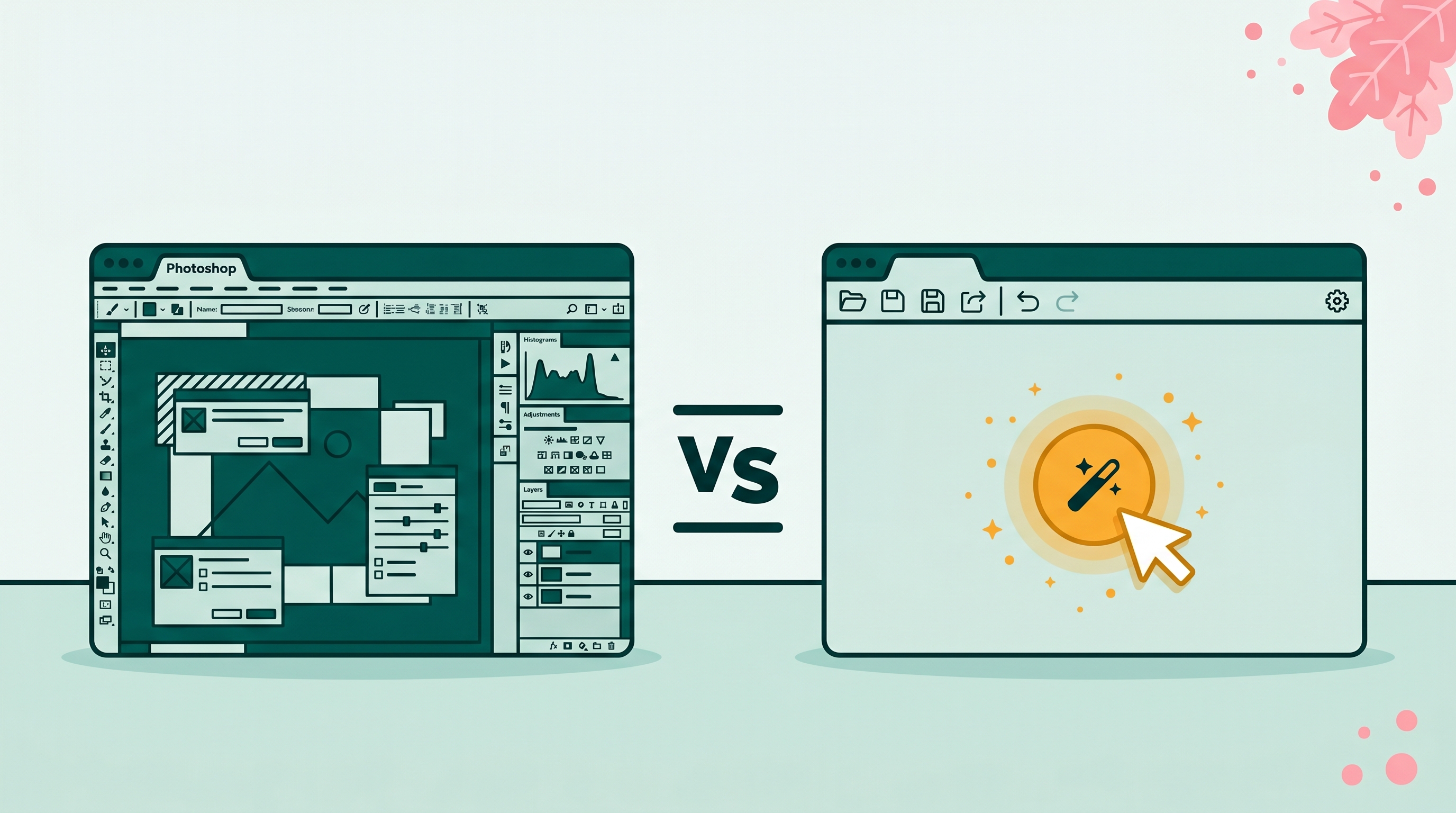
Photoshop's Generative Fill is excellent. It is also $22.99 a month and locked behind a desktop app you may not own. If you are looking for an alternative, the right pick depends on what you actually do with it. This guide tells you when a free browser tool matches Generative Fill, when it falls short, and which alternative fits your workflow.
What Generative Fill actually does
Generative Fill is Photoshop's text-to-image inpainting tool. You select an area, type a prompt, and Adobe Firefly generates content inside that selection. It does three jobs:
- Remove: leave the prompt blank, and it fills the selection with plausible background.
- Replace: select an object, type "a wooden chair," and the selected pixels become a wooden chair.
- Add: select empty space, type "a small dog sitting in the grass," and it generates one.
Most people using Generative Fill spend 80% of their time on job one. That is the job a free tool can do almost as well.
The honest tradeoff
Here is the part Adobe will not advertise. Generative Fill is overkill for routine object removal. A browser tool that does only one thing well usually beats a flexible tool you have to drive carefully.
The reverse is also true. If your job involves adding generated content (a new sky, a fake crowd, a product on an empty shelf), Generative Fill is still the strongest option in 2026. The browser alternatives that try to compete on that task produce visibly worse results.
Rule of thumb: Removing things → free tool wins on speed and cost. Adding or replacing things → Photoshop still wins on quality.
The alternatives compared
BOARD
Browser-based, no install, no account for the first 5 edits. Tap an object to remove it. Handles shadows and reflections automatically. $0.50 per edit after the free tier. Cannot add brand-new objects from a prompt.
Cleanup.pictures
Brush-based remover. Free at low resolution, paid for high-res export. Slower workflow because you paint the mask yourself. No generative add or replace.
Photoroom
Mobile-first. Strong on product photography, weaker on candid photos. Free with watermark on export. Generative features behind a $9.99/month tier.
Canva Magic Eraser
Free with a Canva Pro subscription ($14.99/month). Worse output quality than the others on complex scenes, but useful if you already pay for Canva.
When Generative Fill is worth $22.99 a month
Three use cases justify the Photoshop subscription:
Putting a model on a beach, swapping the sky from overcast to sunset, adding props to a product shot. Generative Fill chains with the rest of Photoshop's tooling (layer masks, smart objects, blend modes). A browser tool cannot match that pipeline.
Generative Fill processes at full resolution up to 8000×8000 pixels per generation. Most browser tools downscale on upload and lose detail on print-size output.
Photoshop lets you write a detailed text prompt and regenerate with variations until you get one you like. For creative replacement work, that control matters.
When a free alternative is the better call
Most photo-cleanup jobs do not need any of the above. If your task is one of these, paying for Photoshop is wasted money:
- Removing a tourist from a vacation photo
- Erasing trash, signs, or cars from a real estate listing
- Cleaning up an Airbnb interior shot
- Deleting an ex from a personal photo
- Removing a watermark from a stock-license photo you bought
- One-off product photography cleanup before posting to Etsy or eBay
For any of these, BOARD finishes the job in 15 seconds in any browser. Photoshop takes 5 minutes once you factor in opening the file, making a selection, running the fill, and exporting.
The quality gap (and where it actually shows up)
Side-by-side on simple removals, the gap between Photoshop Generative Fill and a tool like BOARD has narrowed enough that most people cannot tell them apart. Diffusion models converged. The difference shows up at the edges:
- Reflections in glass: Photoshop sometimes does better with complex reflective surfaces, especially mirrors and water at high zoom.
- Repeating patterns: brick walls, tile floors, fabric textures. Both tools occasionally produce visible seams. Photoshop's failure rate is lower, but neither is perfect.
- Hair against busy backgrounds: removing one person from a crowd is still hard. Photoshop wins on the hardest cases. On easy cases (single subject, clean background), browser tools match it.
If you are doing the work professionally, run the same image through both tools on the first job and decide if the quality difference matters for your pipeline.
What about the Adobe Express free tier?
Adobe gives free Adobe Express accounts about 25 generative credits per month. Generative Fill costs one credit per generation. You burn through the allowance in an afternoon, then Adobe upsells you on a paid plan.
The free tier is a sales funnel. If you only need to remove one or two objects per month, it works. For anything more frequent, you either pay Adobe or move to a tool that prices per use instead of per month.
Most-common scenario: You have a handful of photos a month that need a person, sign, or piece of trash removed. BOARD's 5 free edits cover most months. The pay-per-edit model after that costs less than one month of Photoshop.
Related guides
- The best photo editors for removing objects, ranked
- Removing objects from photos free: what each tool actually costs
- Magic Eraser for iPhone: every option compared
Frequently asked
Is there a free Photoshop Generative Fill alternative?
Yes. BOARD gives you 5 free edits per browser with no account, then $0.50 per edit after that. Cleanup.pictures is also free at low resolution. Neither does everything Generative Fill does, but both handle the most common job (removing unwanted objects) without a subscription.
What is the difference between Generative Fill and object removal?
Generative Fill in Photoshop can add, replace, or remove almost anything from a photo using a text prompt. Object removal tools like BOARD or Cleanup.pictures focus on the remove half of that. If you mostly need to delete things from photos, the cheaper tools are equal or faster. If you need to add a new tree, swap a sky, or paint in a generated object, Photoshop still wins.
Can I use Photoshop's Generative Fill without paying?
Adobe gives you a small monthly allowance of generative credits on the free Adobe Express plan. They run out fast (about 25 generations per month at last check). For real use, Generative Fill effectively requires a Photoshop or Adobe Creative Cloud subscription, which starts at $22.99/month.
Which Photoshop alternative handles people removal best?
BOARD handles complex people-removal with shadow and reflection reconstruction in one tap. Photoshop's Generative Fill is more flexible on the same task because you can write a precise prompt, but the workflow is slower. For one-off cleanups, the simpler tool wins. For commercial retouching at high resolution, Photoshop still has the edge.
Does Generative Fill work better than free AI tools?
On extremely large images (over 6000px wide) and on complex creative composites, yes. On phone photos and standard web images, the gap closed in 2025. Modern free tools share the same family of diffusion models and often match Photoshop on routine cleanup.
Try the cheap half of Generative Fill first.
If you mostly remove objects, BOARD does it free in your browser. No subscription, no install.
Clean Up a Photo Free →