How to remove one person from a group photo
Removing a solo subject from a photo is one thing. Removing one person from a group, where people are touching, their shadows overlap, and someone's arm crosses in front of someone else, is a different problem. BOARD handles most of these cases, but there are situations where you need to manage your expectations before you start.
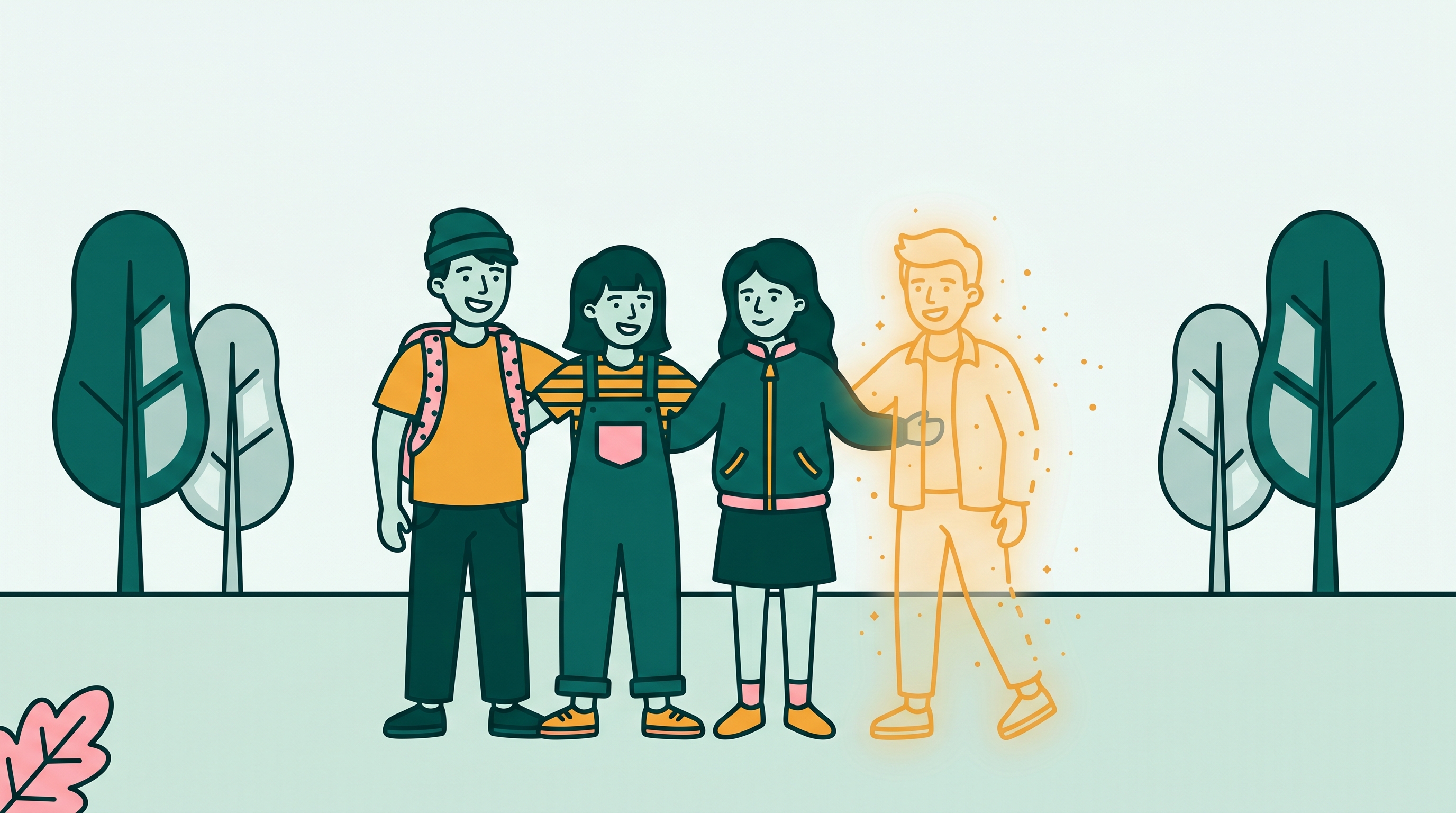
Why group photos are harder than single-subject removals
When you remove a single person standing against a clear background, the AI has one job: figure out what the background looks like and fill it in. With a group photo, the background behind the person you want to remove may be another person. Their shoulder, their arm, part of their jacket. The AI has to reconstruct not just a background, but part of another human.
That is harder. It usually works reasonably well when the people in the photo are not in tight physical contact. It gets increasingly difficult as people stand closer together, hold hands, rest arms on each other's shoulders, or stand in front of each other. Knowing this before you start helps you decide whether to try the removal, try a crop instead, or accept that a reshoot is the real answer.
The basic workflow
Use the highest-resolution version you have. Compressed reposts, screenshots, or photos forwarded through WhatsApp lose detail that matters for edge detection. If you have the original from the camera roll, use that.
BOARD automatically identifies and outlines each person. You do not paint a mask. The detection works by finding people as distinct objects in the scene. In a group photo, each person gets their own selectable outline.
The AI selects that person as the removal target. Before you run the removal, take a moment to look at what the selection outline covers. If the selection includes part of a person you want to keep, the next step can help.
The AI removes the selected person and fills in the area behind them. Use the compare view to see the before and after. If the result looks clean, download it. If there is an artifact around where the person was, try a second pass on the specific area that did not fill correctly.
If the first removal left a visible remnant (part of an arm, an edge of a jacket), tap that remaining piece and remove it as a separate step. Each removal costs one credit.
Specific situations and what to expect
When the person is touching someone else
Arms around shoulders, hands held, a head resting close to another person's. In these cases, BOARD's object detection usually isolates the person you tapped, but the mask may include part of the contact point. If your target person's hand is resting on another person's shoulder, the mask may include part of that shoulder. The first removal handles the person; a second pass often resolves the leftover contact area.
The practical advice: do not stop after the first pass if there is an obvious remnant. A second targeted removal of the artifact is faster than starting over.
When a hat, arm, or coat overlaps someone you want to keep
This one is harder. If the person you are removing has their arm extended in front of another person in the group, and you remove them, BOARD will try to reconstruct what is behind that arm. In most cases it reconstructs the other person's clothing or face reasonably. In tighter overlaps, the reconstruction can look wrong. This is the situation where you are most likely to get an unsatisfying result.
One approach: remove the person, then if the area of overlap looks wrong, remove and rerun that specific region. Multiple passes on a complex overlap sometimes produce a better composite than a single pass.
When shadows are shared
Soft shadows cast on a floor, grass, or pavement fill in well. BOARD's reconstruction reads the ground texture and fills in the area that was under the person's shadow. Harsh shadows (midday sun, strong indoor spotlighting) cast well-defined edges that are harder to fill cleanly. And a shadow cast directly onto another person in the photo, onto their clothing or face, is the hardest case. In that situation, a realistic expectation is "mostly clean" rather than "invisible."
When the person is at the edge of the group
This is the easiest case and the one that produces the cleanest results. A person standing at the far left or right of a group, with background visible on their outer side and one person close on the inner side, usually removes well. The background fills in from the outer side, and the inner person's edge reconstructs from the group.
When to accept a result vs. when to give up
The test is simple: does the photo look like no one was ever there? If yes, you are done. If there is a visible seam, an odd texture, or a face that looks partially reconstructed, you have a harder removal.
For most personal uses, a result that is "clearly gone, slightly imperfect" is fine. You are printing a family reunion photo, not preparing an archival record. The standard for "good enough" is "would someone casually looking at this photo notice something strange?" If no, it works.
If the group was very tightly packed and the removal leaves a gap in the middle of the photo that looks obviously synthetic, a crop to remove the person from the frame is often cleaner than any amount of AI removal. Sometimes the photo needs to become a different photo.
Honest assessment: Group photo removal is the hardest type of person removal. BOARD handles it well in many cases, but there are photos where the physical proximity of the people makes a clean result unlikely. Try it, see what you get, and decide from there.
A note on consent and appropriate use
Removing a person from a group photo for personal use is a normal thing to do. Printing a version of a family photo without an estranged relative for your own home, keeping an edited version in your personal archive, or cleaning up a work photo where someone has since left the team are all reasonable personal uses that raise no concerns.
The situation changes when you publish the edited photo as a factual record. If the context is journalism, court proceedings, official documentation, or any use where the photo is presented as an accurate record of who was present at an event, removing a person creates a false record. That matters. It can matter legally.
For public publication, social media posts identifying a group, or any official context, think carefully before removing a real person from a record. The same guidance applies more broadly to any photo editing: editing for personal use and editing to create a public false record are not the same thing.
Related guides
- How to remove a person from a photo (solo subjects)
- Magic Eraser for iPhone: alternatives compared
- Photoshop generative fill alternatives
- How to remove a license plate from a photo
Frequently asked
Can you remove one person from a group photo without affecting the others?
Often yes, especially if the person is at the edge of the group or has some visible space around them. BOARD detects each person as a separate object and removes them individually. When people are standing close together or partially overlapping, the result depends on how much of the background is visible to fill in.
What happens when the person I want to remove is touching someone else in the photo?
BOARD's object detection finds each person as a unit. When two people are overlapping, it tries to detect the person you tapped as their own object. Review the mask carefully before running removal. If the mask includes part of the person you want to keep, the result will need a second pass.
Does BOARD remove shared shadows when it removes a person from a group?
BOARD reconstructs the area behind the removed person, which includes the ground area where their shadow falls. Soft shadows on grass, pavement, and flooring fill in reasonably well. Harsh, well-defined shadows cast onto another person in the photo are harder to remove cleanly.
Is it legal to remove someone from a group photo?
For personal use (printing for your home, sharing privately, keeping in your own archive) there is no legal concern. For publication, journalism, court proceedings, or any official use, editing out a person may raise legal or ethical issues depending on the context. Apply the same standard you would to any editorial decision.
When should I give up and accept the result as good enough?
If the person is fully removed and the background looks plausible, that is good enough for almost all personal uses. If there is a visible artifact where another person's arm or shoulder was partially included in the removal, a second pass targeting that area usually resolves it. If the people in the group were so closely packed that the removal leaves half the group distorted, a reshoot or a crop is a better solution.
Try the removal on your group photo now
5 free edits, no signup. Upload it, tap the person, see what you get.
Clean Up a Photo Free →