Canva Magic Eraser vs dedicated AI object removers
If you already pay for Canva Pro, Magic Eraser is a convenient extra. If you're thinking about paying for Canva just to get it, this comparison will save you money. Here's what Magic Eraser actually does, where it falls short, and which free tools beat it.
What Canva Magic Eraser actually does
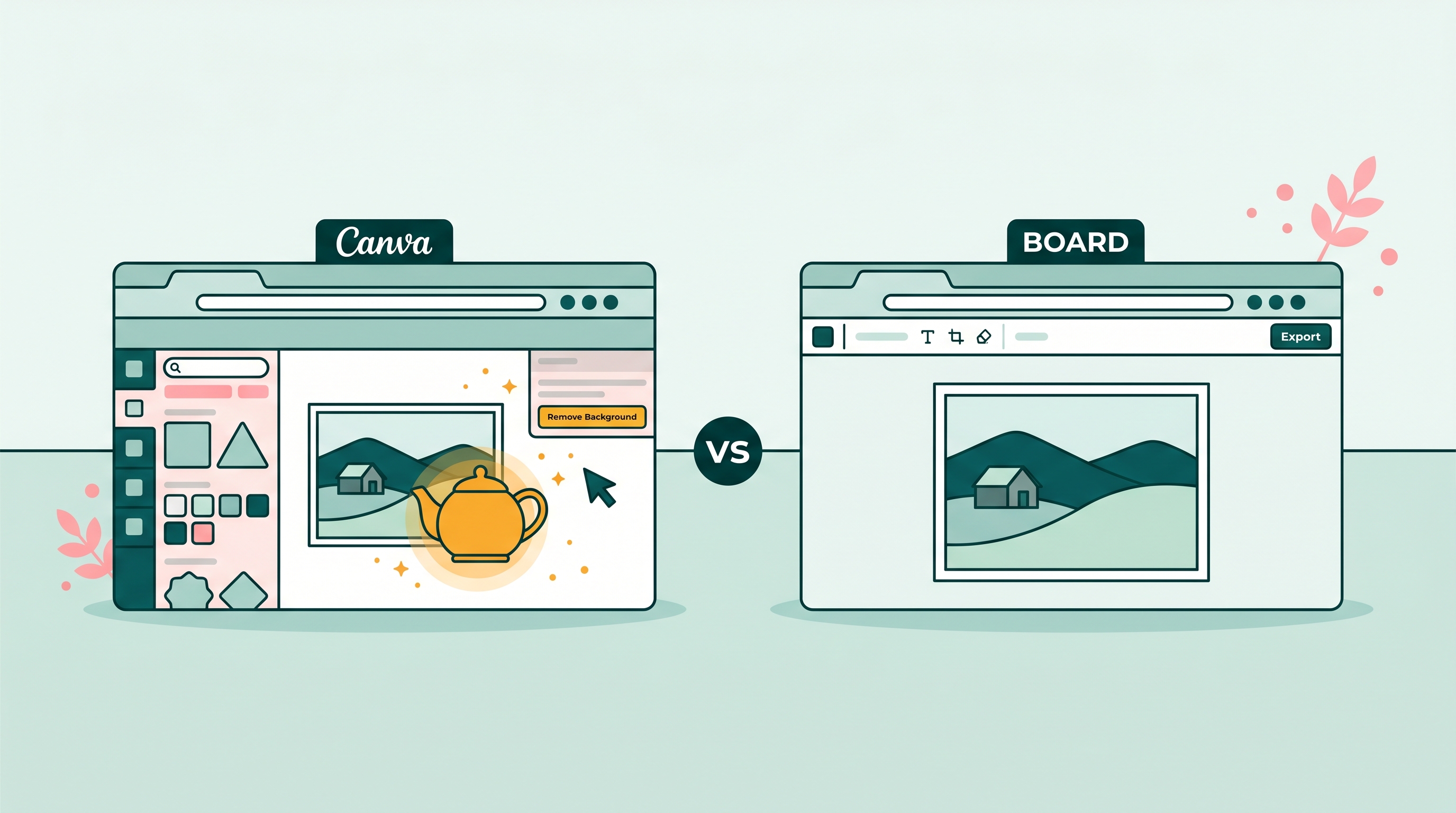
Magic Eraser is Canva Pro's object removal tool. You paint over whatever you want gone, and Canva's AI fills the area with what it thinks belongs behind it. The tool launched in 2022 and improved through 2024. It works by brush painting, not by tapping a detected object, which means you have to manually cover the thing you want removed.
It handles simple cases: a cup on a desk, a small sign in the corner of a photo, a piece of clutter on the floor. The quality drops on larger or more complex removals. A person mid-frame, a car on a road, an object with shadows or reflections behind it. On those jobs, purpose-built tools produce visibly better fills.
The catch is price. Magic Eraser is behind a $14.99/month Canva Pro wall. You can't try it without subscribing.
The comparison at a glance
| Canva Magic Eraser | BOARD | Cleanup.pictures | Photoroom Free | Snapseed | |
|---|---|---|---|---|---|
| Price | Canva Pro required ($14.99/mo) | 5 free, then $0.50/edit | Free (low-res); paid for full-res | Free with watermark | Free, no account |
| Signup required | Yes, Canva account | No (for first 5 edits) | No (low-res) | Yes | No |
| Mobile support | Yes (Canva app) | Yes (browser on any device) | Yes (browser) | Yes (app) | Yes (iOS/Android app) |
| Simple removal quality | Adequate | Good | Good | Good | Good on small objects |
| Person removal quality | Below average | Good (shadow + reflection aware) | Good | Good | Fair |
| Workflow | Paint brush over object | Tap object once | Paint brush over object | Tap or paint | Paint brush over object |
| Watermark on free export | No (Pro includes full export) | No | No (low-res) | Yes on free plan | No |
| Works without app install | Yes (browser) | Yes (browser) | Yes (browser) | App only | App only |
Where each tool wins
Be honest about this: no single tool wins every scenario. The right choice depends on what you're removing and how often you do it.
Use Canva Magic Eraser when
You already pay for Canva Pro for its design features (templates, brand kit, design collaboration) and you need an occasional quick cleanup. No reason to open a second tool when one will do. Just don't pay $14.99/month only for this.
Use BOARD when
You want tap-to-remove without painting a brush. You need to remove a person, vehicle, or complex object cleanly. You're on a phone and want a browser that doesn't require an app install. You're cost-conscious and don't edit photos every single day.
Use Cleanup.pictures when
You want a brush-style remover for free at lower resolution. Good for small objects and content where high-res export isn't required (social posts, blog thumbnails). No signup, no account.
Use Snapseed when
You're on mobile and prefer a dedicated app with more general photo editing tools alongside removal. Snapseed's Healing tool handles small blemishes and background objects well. Best for casual single-photo edits, not batch work.
The quality honest take
Magic Eraser is not the worst tool on this list. It is the worst tool relative to its price. At $14.99/month, you're paying for Canva's design suite, not for best-in-class object removal. The removal AI Canva ships is not Canva's core product. BOARD and Cleanup.pictures are built around removal. That focus shows in output quality on anything harder than a cup on a countertop.
Where Magic Eraser visibly struggles:
- People in the midground or background of a photo (brush painting rarely captures the full silhouette; you end up with ghosted limbs at the edges)
- Objects with shadows cast onto other surfaces (Magic Eraser removes the object but leaves the shadow, requiring a second pass)
- Large fills (when the removed area covers more than 20% of the frame, seam artifacts appear at the edges)
- Objects near other people or complex structures at frame edges
The break-even math: BOARD costs $0.50 per edit after the 5 free edits. You'd need to do more than 30 edits per month before Canva Pro's $14.99 flat rate becomes cheaper than pay-per-use. Most people do 5 to 15 edits in a busy month. The subscription wins at scale, but most users aren't at scale.
Workflow comparison: brush painting vs one tap
Magic Eraser and Cleanup.pictures use the same interaction model: you paint a brush over the thing you want gone. This works fine for obvious objects with crisp edges. It requires patience for anything with fine or irregular boundaries. You're essentially drawing a mask by hand.
BOARD uses a different model. The AI detects every object in the photo when you upload, and you tap the thing you want removed. No painting. The mask is generated from the detected object, not from your brushstroke. On complex silhouettes (a person with messy hair, a leafy plant), this tends to produce a cleaner mask than hand-painting because the model uses the whole image context to find the object's boundaries.
For small, simple objects (a watermark in a corner, a sticker on a product), the difference between brush-painting and tap-to-remove is minimal. For people, vehicles, or large items, the tap model usually wins.
Verdict: which should you use?
Here's the straightforward summary. If you pay for Canva Pro already, use Magic Eraser for casual cleanups. It's there, it's included, and it's fine for easy jobs. If you need better quality or you're evaluating whether to subscribe, try BOARD first. Five free edits will tell you if the quality meets your needs before you spend anything.
And if you're considering Canva Pro specifically because of Magic Eraser, don't. The Canva Pro feature set is genuinely good for design work. For object removal alone, the dedicated free tools are better and cheaper.
Related guides
- Photoshop Generative Fill alternative: an honest comparison
- The best photo editors for removing objects, ranked
- Magic Eraser for iPhone: every option compared
- Removing objects from photos free: what each tool actually costs
Frequently asked
Is Canva Magic Eraser free?
No. Magic Eraser is a Canva Pro feature, which costs $14.99 per month or $119.99 per year. You cannot use it on the free Canva plan. Dedicated tools like BOARD give you 5 free edits with no account and charge $0.50 per edit after that.
How good is Canva Magic Eraser compared to other tools?
On simple removals (a small object against a plain background), Magic Eraser is adequate. On complex scenes, people in crowds, or objects near busy edges, it produces noticeably worse results than purpose-built tools like BOARD or Cleanup.pictures. The quality gap is real and visible on anything harder than basic removal.
Should I pay for Canva Pro just for Magic Eraser?
No. If object removal is your only reason to consider Canva Pro, the $14.99/month is hard to justify. BOARD's pay-per-use at $0.50 per edit would need to exceed 30 edits a month before Canva Pro becomes cheaper. Most people do far fewer than that.
Does Cleanup.pictures require a sign-up?
No sign-up is required for low-resolution exports on Cleanup.pictures. High-resolution exports require a paid plan. BOARD also requires no account for the first 5 edits. Snapseed is installed on your device and needs no account at all.
Which tool is best for removing a person from a photo?
BOARD handles people removal cleanly, including shadows and reflections that appear when a person is removed. For a single-person removal against a clear background, BOARD and Cleanup.pictures produce similar results. Canva Magic Eraser struggles more with large objects and complex scenes.
One tap beats a paintbrush every time.
Try BOARD free in your browser. No subscription, no install, 5 edits on us.
Clean Up a Photo Free →