What is AI inpainting?
You've seen "AI inpainting" mentioned in tool descriptions for Photoshop, Magic Eraser, and a dozen other editors. This is what it actually means, how it works, and where it runs into limits. No jargon.
The plain English definition
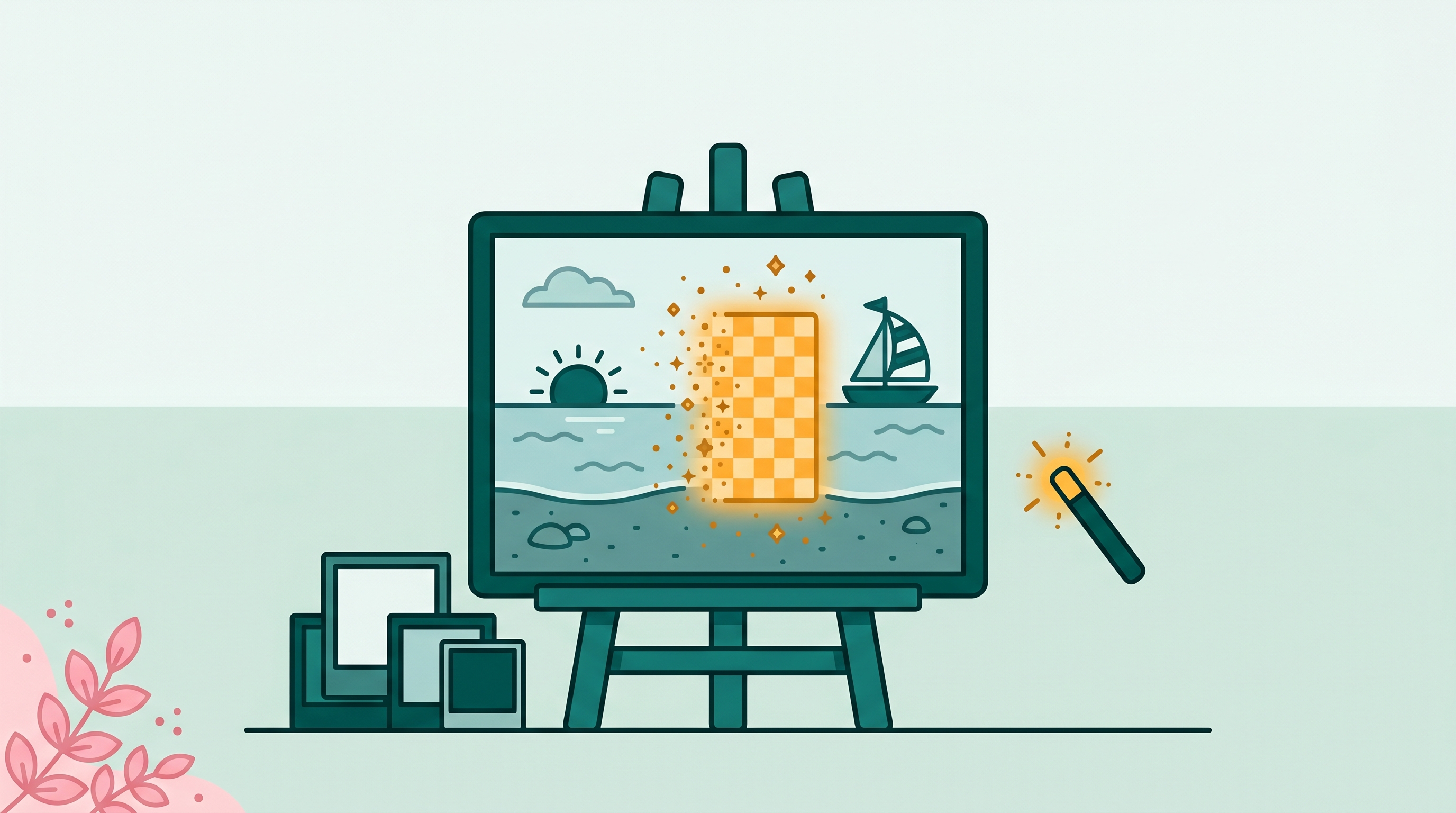
Inpainting means filling in a hole. The word comes from art conservation, where restorers fill in missing or damaged sections of paintings with matching strokes. In photo editing, inpainting is the same idea: you mark an area of an image as "missing," and something fills it back in with pixels that look like they belong there.
AI inpainting is inpainting done by a generative model rather than by a human restorer or a simple pixel-copy algorithm. The model looks at everything surrounding the marked area and generates new pixels that plausibly fit. It doesn't copy from elsewhere in the image. It synthesizes. That distinction matters, because synthesizing often produces more realistic results than copying, especially when the background is complex.
One-sentence version: AI inpainting takes a photo with a masked-out area and generates plausible new pixels to fill that gap, using the rest of the image as context.
Where inpainting came from
Photoshop had a version of this before AI. Content-Aware Fill, introduced in 2010, analyzed the pixels surrounding a selected area and filled it by sampling and blending similar nearby regions. It worked well on simple, repetitive textures (grass, sky, brick). On complex content (a person standing in front of a bookshelf), the results were often muddy or obviously wrong, showing smeared copies of surrounding elements.
The AI version came in earnest in 2022-2023, when diffusion models matured enough to be useful in production tools. Diffusion models had been in research since 2015 but became practically fast and high-quality in that window. Adobe shipped Generative Fill in Photoshop in 2023. Google's Magic Eraser had launched on Pixel phones in 2021 using an earlier model; it was substantially upgraded in 2022. Apple brought Clean Up to iPhone in 2024.
The improvement over Content-Aware Fill was large and immediately obvious. The AI model doesn't copy pixels from nearby. It understands scene content (this is a brick wall, this is a patch of grass, this is a crowd of people) and generates something that fits that understanding. The results on complex backgrounds went from "noticeable smear" to "often indistinguishable from the original" in the space of about two years.
How it actually works (the short version)
Diffusion models work by learning to add noise to an image and then remove it again, step by step. Training involves showing the model millions of image examples and teaching it to denoise them. Through this process, the model learns the statistical patterns of what images look like (what brick walls look like, what skies look like, what human faces look like).
For inpainting, the model sees the real pixels around the masked area and generates content inside the mask that is consistent with those surrounding pixels. It doesn't fill in random pixels. It generates pixels that fit the scene, as if the model is completing a puzzle using everything it learned during training.
Text-prompt inpainting adds one more input: a description of what should appear in the filled area. Without a prompt, the model infers what belongs (background, continuation of a surface, whatever the scene context suggests). With a prompt ("a wooden chair," "a clear blue sky"), the model generates content matching the description while still fitting the surrounding scene. Photoshop's Generative Fill uses this text-conditioned version. Simple object-removal tools usually use the prompt-free version and just infer background continuation.
What AI inpainting can do
Remove objects
Mask out an unwanted object and let the model fill the area with background continuation. This is the most common use. Tourist in a vacation photo, trash can in a real estate listing, ex in a group photo. The model fills the gap with whatever should logically be behind the removed object.
Replace objects
Mask an object and provide a text prompt ("a red armchair") or a reference image. The model generates new content in the masked area matching the description. Photoshop's Generative Fill does this. The quality varies depending on how complex the replacement is and how well the new content needs to match the lighting of the original scene.
Extend images (outpainting)
Expand the canvas beyond the original photo borders and let the model generate what continues outside the frame. Useful for changing aspect ratios without cropping. Adobe Firefly and DALL-E both support this. It uses the same underlying mechanism as inpainting.
Restore damaged photos
Fill in areas that are physically damaged (scratches, tears, water damage) on scanned prints. The model generates plausible content for the damaged area. The results are often convincing, though the model generates something new rather than recovering the original content.
What AI inpainting cannot do
This is where a lot of people expect too much. Inpainting generates plausible pixels. It does not recover information that isn't in the image.
If a face is partially obscured in a photo, the model will generate a face that looks natural in the scene. It will not generate the correct face of the person who was actually there. The model has no access to what was originally in the gap. It invents, not recovers. For art restoration and personal photo cleanup, invented-but-convincing is usually fine. For legal, evidentiary, or archival purposes, it is not.
On repeating patterns (tile floors, brick walls, fabric weaves), the model sometimes generates a seam or visible discontinuity where the fill meets the original image. The quality has improved substantially since 2022, but it's not perfect. Large fills on patterned surfaces are still the hardest case.
If you remove a person standing in front of a bookshelf, the model fills the area with what it thinks belongs behind the person. It doesn't have the actual 3D geometry of the scene. If the bookshelf has specific titles or objects that should continue behind the removed person, the model invents a plausible-looking continuation, not a geometrically accurate one.
Crowds, dense foliage, complex architectural details, and glass reflections are all harder cases. Current models handle them much better than they did in 2022, but on difficult removals, the fill occasionally requires a second pass or a touch-up with a pixel-level tool.
Where you already use AI inpainting (probably without knowing it)
Inpainting is the technology running under these tools you might use regularly:
- Photoshop Generative Fill (Adobe, 2023) - text-conditioned inpainting via Adobe Firefly
- Google Magic Eraser (Pixel phones, also available in Google Photos) - prompt-free object removal
- Apple Clean Up (iPhone iOS 18, 2024) - prompt-free inpainting on-device
- Samsung Object Eraser (Galaxy phones) - similar to Google's implementation
- DALL-E image editing (OpenAI) - text-conditioned inpainting and outpainting
- Adobe Firefly (browser, 2023) - generative fill in a standalone web app
- Runway (video AI tool) - inpainting extended to video frames
- Stable Diffusion (open source) - inpainting available in various frontends
- BOARD (brd.ing) - object-tap workflow backed by inpainting for the fill step
- Cleanup.pictures - brush-based inpainting for small object removal
The models differ. Adobe uses Firefly; Google uses its own Vision models; most open-source tools use Stable Diffusion variants; BOARD uses Gemini for the inpainting fill. The core operation (generate pixels for a masked area conditioned on surrounding context) is the same across all of them.
Inpainting vs content-aware fill vs generative fill: clearing up the terminology
These three terms are often used interchangeably, but they describe different things:
- Content-Aware Fill is Photoshop's 2010 algorithm. It samples from the rest of the image and patches the selected area with a blended copy of similar pixels. Non-generative. No deep learning. Good on simple textures, poor on complex scenes.
- Inpainting is the general term for filling a masked area of an image. It includes both algorithmic (Content-Aware) and AI (diffusion model) approaches. AI inpainting is the generative variant.
- Generative Fill is Adobe's branded name for its text-conditioned AI inpainting in Photoshop. All Generative Fill is inpainting, but not all inpainting is Generative Fill.
How to try inpainting today
Most tools listed above are available without technical setup. For simple object removal, the easiest no-signup options are BOARD (browser, 5 free edits), Cleanup.pictures (browser, free at low resolution), and Google Photos on Android (Magic Eraser, free for Pixel owners). For text-conditioned replacement and creative inpainting, Photoshop's Generative Fill and Adobe Firefly offer the most control.
If you want to experiment with the underlying technology at a technical level, Stable Diffusion's inpainting pipeline is open source and runs locally with the right hardware. Comfy UI is the most-used frontend for this.
Related guides
- What is object-oriented AI photo editing?
- Photoshop Generative Fill alternative: an honest comparison
- Magic Eraser for iPhone: every option compared
- The best photo editors for removing objects, ranked
Frequently asked
What is AI inpainting in simple terms?
Inpainting means filling in a hole in an image with new, plausible pixels. Traditional photo editors (Photoshop's Content-Aware Fill) did this by sampling nearby pixels and copying patterns. AI inpainting uses a generative model trained on millions of images to synthesize new content that fits the scene, rather than just copying what's already there. The result is usually more natural on complex backgrounds.
Is inpainting the same as Photoshop's Generative Fill?
Generative Fill uses AI inpainting, yes. You select an area, optionally type a prompt, and the model generates pixels into that area using the rest of the image as context. Photoshop's older Content-Aware Fill is a simpler, non-AI version of the same idea. The two look similar in the interface but produce different results on complex fills.
Can AI inpainting restore missing parts of an old photo?
It can fill in areas that are damaged, torn, or scratched from old photos, and it often looks convincing. The catch is that the model generates plausible content, not accurate content. If a face is partially missing, the model invents what belongs there rather than recovering the original. For family archive restoration, this may be good enough. For evidentiary or historical purposes, it is not.
What's the difference between inpainting and outpainting?
Inpainting fills a gap inside the existing image. Outpainting extends the image beyond its original borders, generating new content outside the original frame. Adobe Firefly, DALL-E, and Stable Diffusion all support both. Most photo cleanup tools focus on inpainting only.
Which tools use AI inpainting?
Photoshop (Generative Fill), Adobe Firefly, Google Magic Eraser, Apple Clean Up, Samsung Object Eraser, DALL-E's image editing mode, Runway, Stable Diffusion, BOARD, Cleanup.pictures, and Photoroom all use some form of AI inpainting. The underlying model families differ, but the core operation (fill a masked area with generated pixels) is the same.
See inpainting in action on your own photos.
BOARD uses AI inpainting for every object removal. Try it free in your browser, no account needed. 5 edits on us.
Clean Up a Photo Free →