Photoroom alternative: an honest comparison
Photoroom is a well-built product photography tool. It is also $9.99 a month once you hit the free tier limit. If you're considering the upgrade or looking for an alternative, the answer depends almost entirely on how many photos you edit per month.
What Photoroom does well
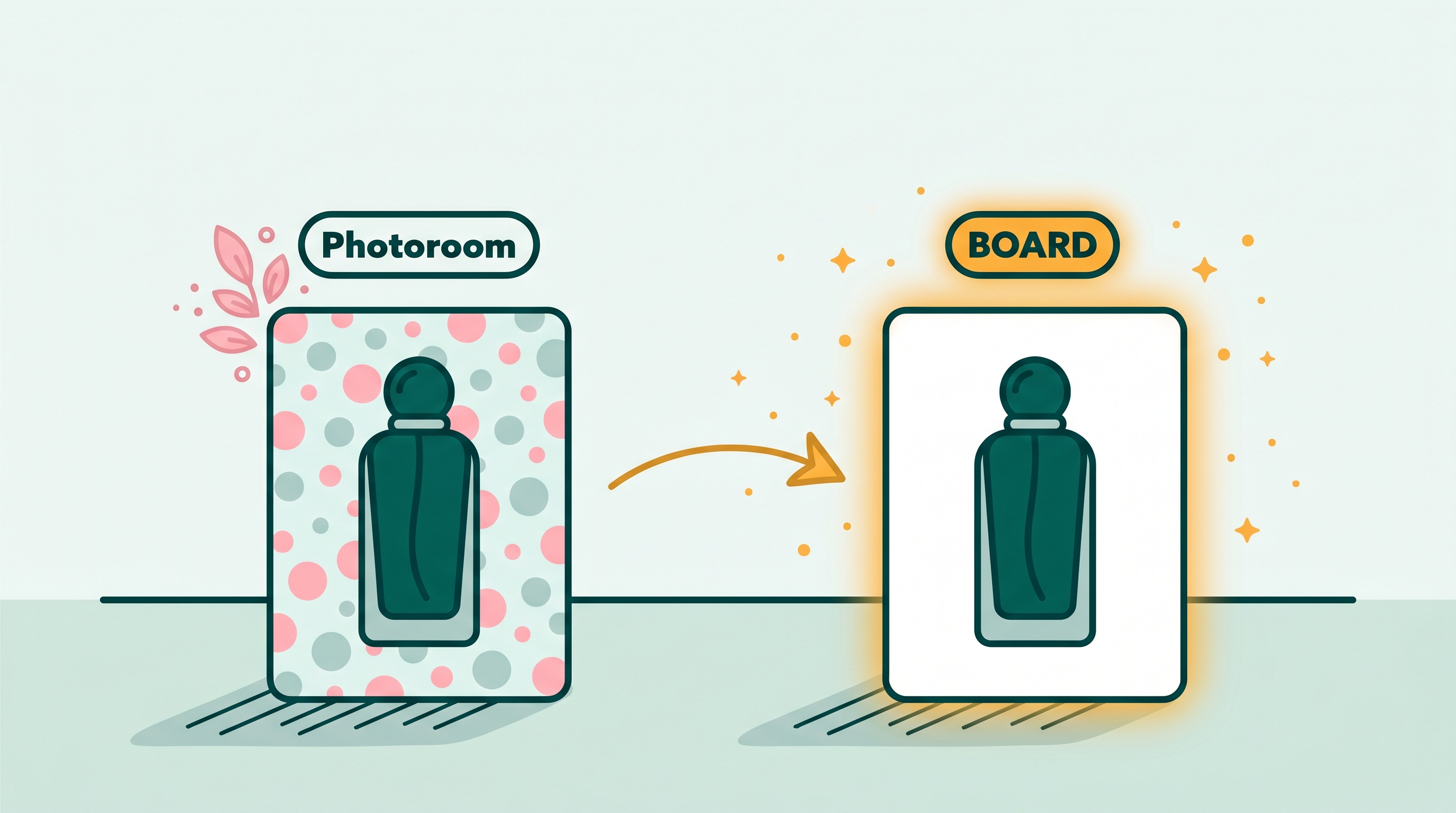
Photoroom was built for product photography. Its background removal model is one of the better ones at the consumer level, particularly on fashion items, accessories, and small goods photographed against simple backgrounds. The app's batch mode lets you upload 30 product images and remove all their backgrounds in one pass, which is a real time-saver for an Etsy shop doing a seasonal restock.
The mockup library is worth mentioning separately. Photoroom can place your product in a hand, on a flat lay surface, or in a lifestyle scene without any additional photo shoot. For certain product categories (phone cases, t-shirts, mugs), mockups close the gap between a photo you took on your kitchen table and the professional-looking listing you need.
None of that is free at any useful volume. Photoroom's free plan adds a watermark to every export. To get clean high-resolution images, you need the paid plan at $9.99/month.
Where Photoroom falls short
The tool is optimized for one specific job: remove the background, put the product on white. That is excellent if that is what you need. If your job is something slightly different (removing an object from within a scene, editing an object's color or appearance, removing a person from a lifestyle photo), Photoroom is the wrong tool for it.
Photoroom's background removal doesn't handle shadows and reflections well. When you remove a product from a surface that has a cast shadow, Photoroom often leaves the shadow floating in the frame. That's fine for background replacement (the new background hides it), but it fails on use cases where you want to clean up a photo while keeping the scene intact.
The mobile app can be slow on large images. Several users report that batch processing more than 50 images at once causes jobs to queue and occasionally time out.
Feature comparison
| Feature | Photoroom | BOARD |
|---|---|---|
| Price | Free (watermark) / $9.99/mo (clean export) | 5 free edits, then $0.50/edit |
| Background removal | Yes, one-click | Yes, via Edit command with text prompt |
| Object removal (within scene) | Limited | Yes, one-tap, shadow-aware |
| Object color change | No | Yes, via Edit command |
| Batch processing | Yes (Pro) | No |
| Mockup templates | Yes (large library) | No |
| Brand kit | Yes (Pro) | No |
| No sign-up required | No (account required) | Yes (first 5 edits) |
| Works in browser | Yes (web app) | Yes (all features in browser) |
| Shadow reconstruction | Limited | Yes, automatic |
Pricing at different volumes
This is where the decision usually gets made. Let's be specific about the costs at different monthly edit volumes.
Under 10 edits per month
BOARD is free (the 5 free edits cover most months; 10 edits costs $2.50 after the free tier). Photoroom requires $9.99/month for clean exports. BOARD wins on cost by a significant margin.
10-25 edits per month
BOARD costs $2.50 to $10 per month (after free tier). Photoroom is $9.99/month. They're roughly comparable. BOARD is still cheaper unless you're at the high end and use Photoroom's batch and mockup features regularly.
25-50 edits per month
BOARD costs $10 to $22.50 per month (after free tier). Photoroom is $9.99/month flat. Photoroom becomes the cheaper option if you're editing close to or above 25 photos per month.
50+ edits per month
Photoroom's flat rate is clearly cheaper, and its batch processing saves hours of manual work. For a shop at this volume, Photoroom's subscription pays for itself in time savings alone.
The actual break-even: BOARD's pay-per-use at $0.50 per edit crosses Photoroom's $9.99/month at exactly 20 edits per month (after the 5 free edits). If you do fewer than 20 edits per month, BOARD is cheaper. If you do more, Photoroom's flat rate wins.
When to use Photoroom
Photoroom's subscription is worth paying for if you check two or three of these boxes:
- You photograph and list 20 or more products per month
- Batch processing matters to you (editing a whole batch at once, not one by one)
- You use mockup templates as part of your listing workflow
- You want consistent branded backgrounds on all listings without re-entering settings
- You need a dedicated mobile app rather than a browser tool
If you're checking zero or one box, the subscription is probably not worth it yet.
When to use BOARD instead
BOARD is the better fit when:
- You edit photos occasionally rather than on a regular schedule
- You need to remove an object from within a scene (not just the background)
- You want to change an item's color or appearance alongside cleanup work
- You don't want to create another account to try a tool
- You want pay-as-you-go pricing without committing to a monthly plan
Other alternatives worth knowing
If neither Photoroom nor BOARD fits, two other tools are worth checking. Remove.bg is narrower (background removal only), fast, and free at low resolution. It's good if you just want a quick background strip with no frills. Canva includes background removal in its Pro plan ($14.99/month), though Canva is primarily a design tool; using it just for background removal is expensive compared to dedicated options.
Related guides
- The best photo editors for removing objects, ranked
- Photoshop Generative Fill alternative: an honest comparison
- How to get a clean white background on product photos
- Magic Eraser for iPhone: every option compared
Frequently asked
Is there a free Photoroom alternative?
Yes. BOARD gives you 5 free edits per browser with no account. Cleanup.pictures is also free at low resolution. Neither has Photoroom's batch processing or mockup templates, but both handle single-image background removal and object removal without a subscription.
When is Photoroom worth the subscription price?
Photoroom earns its cost if you process 20 or more product images per month and use its batch mode, brand templates, or mockup library. The $9.99/month plan includes unlimited background removal at full resolution, which is good value for a shop with steady volume.
What does Photoroom do that BOARD doesn't?
Photoroom's main advantages are batch processing (edit dozens of photos at once), mockup templates (show your product on a white surface, held in a hand, etc.), and a brand kit for consistent backgrounds and logos. BOARD is single-image, focused on object removal and editing, with no batch or mockup features.
What does BOARD do that Photoroom doesn't?
BOARD's object removal handles shadows and reflections automatically, which Photoroom's background removal doesn't always catch. BOARD also has an Edit command where you can change an object's color or appearance with a text prompt. And BOARD's pay-per-use pricing is cheaper for low-volume use.
Does Photoroom work on desktop?
Photoroom has a web app at app.photoroom.com and a mobile app. The web app handles background removal and basic editing. The mobile app has a wider feature set. BOARD runs in any browser on any device.
Try before you subscribe to anything.
BOARD gives you 5 free edits in your browser with no account. See if pay-per-use fits your workflow.
Clean Up a Photo Free →