How to change a photo's background to white, free, no signup
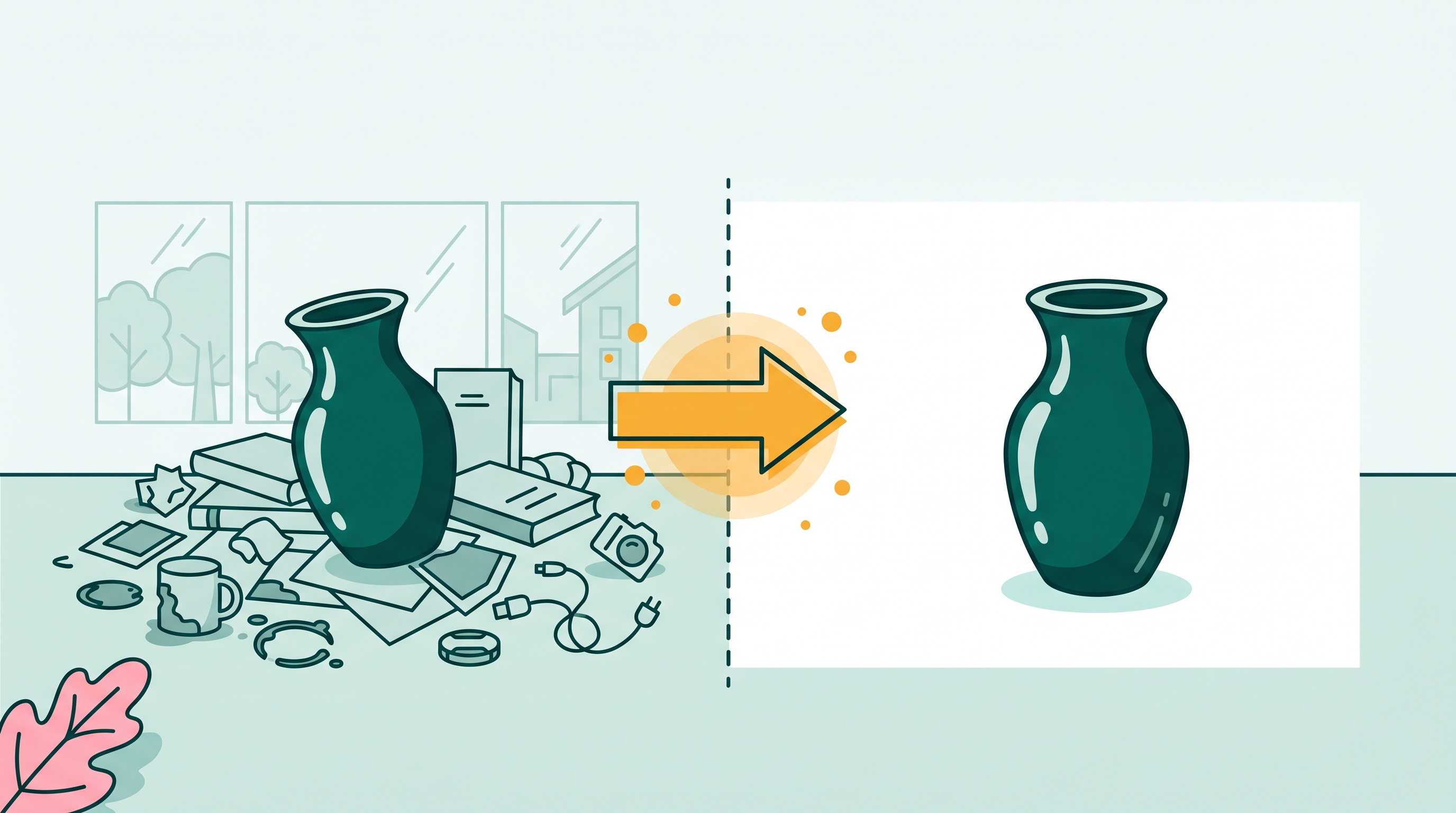
White background photos are standard for product listings, profile photos, and job applications. The problem is that the free tools either watermark the result, cap the resolution, or require an account you'd rather not create. BOARD gives you 5 free background edits in any browser with no watermark and no signup. Here's the workflow and where it has real limits.
Why "free" usually means something different than you expect
Most tools that promise a free white background have a catch. Remove.bg is free for exports up to 625x400 pixels, which is thumbnail size. Anything bigger costs $0.99 per image. Photoroom is free with a watermark. Adobe Express is free with an account and limited exports. Canva's background remover is free on the paid plan.
BOARD's free tier is different in one way: the first 5 edits download at full resolution, no watermark, no account. After that it's $0.50 per edit. No subscription. That is the actual comparison you need to make against the other options.
How to change your photo's background to white using BOARD
No app to install. Works in Safari, Chrome, Firefox, and Edge on iPhone, Android, or desktop. Open the URL and tap to upload a photo.
BOARD scans the photo in 1-2 seconds and labels the objects it finds, including the background or backdrop. This is the object you want to select.
Tap any area of the background. BOARD selects the backdrop as an object and shows the mask. Check that the selection covers the background and not your subject. If the wrong area is selected, tap in a different spot in the background region.
Select the Edit (Alter) command, then type your instruction. "Pure white" or "clean white background" both work well. If you want a slightly off-white for print work, "warm white" or "soft cream" gives a less harsh result.
The result renders in a few seconds. Check the edges of your subject against the new white background. If the transition looks natural, tap Download. If there's a visible halo or the edges look rough, undo and try again with the same prompt.
How BOARD compares to the other free options
BOARD
Free for 5 edits at full resolution. No watermark. No account. Works on any browser. $0.50 per edit after the free tier. Background becomes white while the subject stays naturally integrated in the scene.
Remove.bg
Free at 625x400px. Full resolution requires a paid plan ($0.99/image or subscription). Removes the background entirely and places subject on transparent or white. Good for cutout-style exports.
Photoroom
Free with a Photoroom watermark on downloads. Subscription removes the watermark. Good batch processing for product photos. Better for high-volume resellers than for one-off edits.
Canva
Background Remover is a Canva Pro feature ($14.99/month). The free tier doesn't include it. If you're already paying for Canva Pro, it's a convenient workflow; otherwise it's not a free option.
When BOARD works well and when it doesn't
The result depends on the photo. Some cases are easy; some are genuinely hard.
BOARD does well when the subject has clear, defined edges against a medium-toned background. A product on a grey table, a person against a muted wall, a shoe on a wooden floor. The model can read the boundary cleanly.
It does less well in these situations:
Hair against detailed backgrounds. Fine hair strands against a busy background are the hardest edge case in any background tool, not just BOARD. Expect some fringing around curly or flyaway hair against complex backgrounds.
Transparent items. Glass bottles, acrylic containers, and anything the light passes through are hard because the background is visible through the object. Changing the background changes what's visible through the glass, which can look unnatural.
Subjects that are already on a near-white background. If your original background is already light grey or cream, "change to pure white" can produce a flat result with no clear distinction between subject and background. Start from a photo with more contrast between subject and background for clean results.
Very small or fine details. Fringe on a jacket, whiskers on a cat, intricate jewelry. The mask gets to a certain level of detail and then the transition looks digital. For product photos of watches or jewelry, a dedicated cutout tool with manual touch-up is often better.
Practical test before committing: Before running a batch of product photos through any AI background tool, test it on your three most difficult shots first. If those look good, the easier ones will too. If the hard ones look off, no amount of easy photos will save the batch.
Alternatives for specific use cases
If BOARD doesn't fit your photo, two alternatives cover the common gaps:
For cutout-quality product photos that need pixel-level edge precision, Remove.bg's paid tier or Photoroom's batch workflow is faster at scale. Both are optimized for product photography and give you more control over the transparency layer.
For ID-style photos (passport, work badge, visa application), check the exact background specifications before using any AI tool. Many official requirements specify a particular shade of white or grey and have strict rules about how the background transitions at the shoulders. A photographer who knows the spec is worth the cost if rejection is expensive.
Related guides
- How to change the color of any object in a photo (no Photoshop)
- Free photo editor with no watermark: what the options actually are
- Best photo editors for removing objects: an honest comparison
- Remove objects from photos free: what "free" actually means at each tool
Frequently asked
How do I change a photo background to white for free without watermarks?
Go to brd.ing, upload your photo, tap the background or backdrop, choose Edit, and type "pure white." Download the result. BOARD gives you 5 free edits with no watermark and no signup required.
Is remove.bg free for white background photos?
Remove.bg removes the background for free at low resolution (up to 625x400px). Full-resolution downloads require a paid plan starting at $0.99 per image. For product photos or any shot above thumbnail size, the free tier is not enough.
Does BOARD work for product photography backgrounds?
Yes, for most product shots. BOARD works best when the product has clear edges against a non-white background. It can struggle with transparent items (glass, acrylic), products shot on a light background already, or objects with fine strands (fur, fringe). Test it on your specific shot.
What's the difference between background removal and background color change?
Background removal cuts out the subject and leaves a transparent or white void. Background color change keeps the subject but replaces the surrounding area with a new color. BOARD does the latter: the background becomes white but the subject stays naturally lit and grounded in the scene. Both produce a white-background result; they differ in how the edges and lighting are handled.
Can I change the background to a color other than white?
Yes. Type any color in the instruction: "change to light grey," "make the background soft cream," or "turn the backdrop navy." White is the most-requested for product and ID photos, but any solid color works the same way.
Clean white background in seconds.
Tap the background, type 'pure white,' download. 5 free edits, no watermark, no signup.
Clean Up a Photo Free →