How to remove clutter from Airbnb listing photos
Guests decide in seconds. Research puts 80% of booking decisions on the cover photo, and clutter is the most common reason a well-priced listing underperforms. If your space is clean in person but your photos still have phone chargers on the counter and a bin visible in the corner, you can fix that without a reshoot.
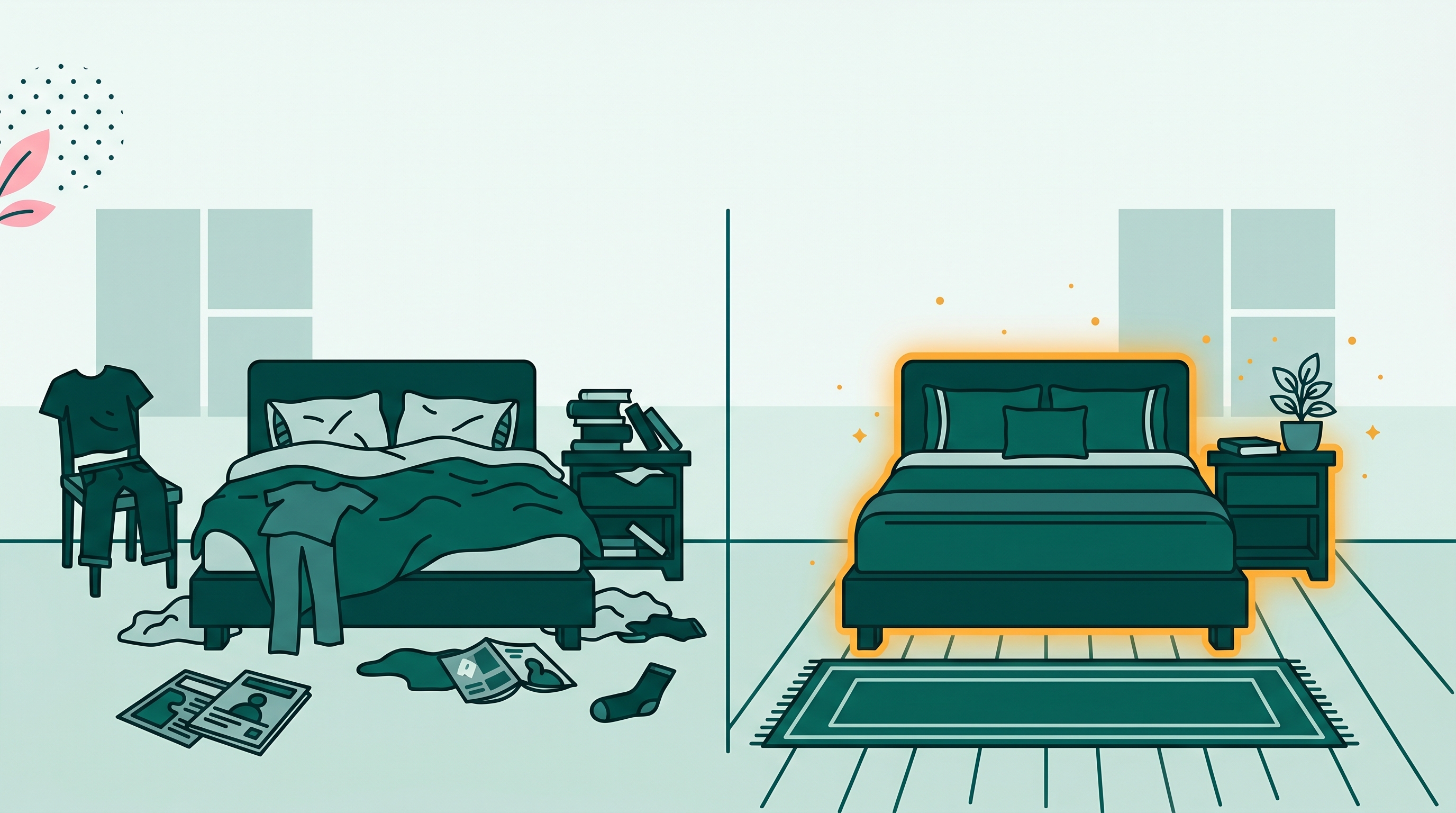
Why the cover photo matters more than pricing
Airbnb's own data has shown that listings with better cover photos get more clicks, more saves, and more bookings at the same price point. Guests are not reading your description first. They are scanning thumbnails. A photo where the counter has a pile of mail, the bathroom has a half-used soap bar, and the driveway has a parked car signals one thing: this host did not prepare.
The fix is not always hiring a photographer again. If your photos are otherwise fine but cluttered, removing the specific items takes less time than re-arranging the room and rebooking a shoot. BOARD identifies objects in the photo and removes them one tap at a time. The whole cleanup for one photo usually takes under 60 seconds.
The four types of clutter that show up most in listing photos
Most Airbnb hosts shoot their own photos before they have fully cleared the space, or with items they forgot about. These are the four categories that come up again and again:
Counter clutter
Phone chargers, coffee makers with dirty carafes, mail stacks, condiment bottles, dish soap, and toothbrushes left on bathroom counters. These are the most common and the easiest to remove. Each one is a distinct object BOARD can isolate.
Personal items on shelves
Framed family photos, personal books, medication on a nightstand, a host's jacket draped over a chair. Guests want to imagine themselves in the space. Objects that signal someone else lives there work against that.
Trash bins and recycling
Bins in kitchens, bathrooms, and near entryways appear in more listing photos than hosts realize. They are not deal-breakers, but they are visual noise in a thumbnail. Remove them.
Cars in outdoor and driveway shots
An exterior or driveway photo with a car parked in it looks occupied. A clean driveway reads as available space. If your neighbor's car was parked in frame during the shoot, BOARD can take it out.
How to clean up a listing photo with BOARD
No app download, no account. Works on your phone, tablet, or laptop. The same URL works on iOS Safari, Android Chrome, and desktop browsers.
Drag the photo onto the page or tap to select it from your camera roll. Use the original file if you have it, not a screenshot or a compressed version you sent somewhere else.
BOARD scans the image and outlines every detectable object. Countertop items, bins, shelving objects, and cars all show up as selectable. You do not paint anything manually.
Tap or click each item. BOARD removes it and fills in the background. For counter items, the counter surface reconstructs. For cars in driveways, the driveway surface fills in. Review each result before moving on.
Download the cleaned photo at full resolution, no watermark. Replace the original in your Airbnb media manager. Your first 5 edits are free. After that, $0.50 per edit, no subscription.
What not to remove (read this before you edit)
This matters. Removing clutter from listing photos is fine. Removing permanent features of the property is misrepresentation, and Airbnb can delist listings that mislead guests about what the space looks like.
The rule is simple: if a guest arriving at the property would find the item there, do not remove it from the photos. That means:
- Do not remove built-in furniture (a bed, a sofa, shelving units screwed to the wall).
- Do not remove structural features (a support beam, a radiator, a low ceiling).
- Do not remove permanent fixtures guests need to know about before booking (a skylight, a loft ladder, a clawfoot tub that takes up a third of the bathroom floor).
- Do not clean up outdoor shots to hide shared parking or a neighbor's yard if those affect the stay.
Removing a coffee maker, a laundry basket, a pile of mail, or a car that was parked there the day you shot the photos is normal listing prep. Removing the things that define the space is not.
Quick test: Before you remove something, ask yourself: "Would a guest be surprised or annoyed if they arrived and found this?" If yes, leave it in the photo. If no, it is fair to clean up.
Tips for driveway and outdoor shots
Outdoor photos present a couple of specific situations worth knowing about. Cars in driveways remove well when the driveway surface is partially visible around the vehicle. BOARD reconstructs the ground texture from what it can see. If the car fills almost the entire frame and no driveway is visible at the edges, the result will be less clean. In that case, a second pass often improves it.
Trash and recycling bins at the curb or beside the property are common in exterior shots. These remove cleanly in most cases because they sit against a consistent background (a wall, a fence, grass, pavement). If your outdoor shot includes a neighbor's bins and you cannot move them before a reshoot, this is a fast fix.
If there is a license plate visible in the driveway shot and you want to obscure it, see the guide on removing license plates from photos.
Comparing options: BOARD vs reshooting vs Lightroom
BOARD
60 seconds per photo. Works on any device. $0.50 per edit after 5 free. Good for removing specific objects. No subscription.
Reshoot with photographer
$150-400+ depending on location and package. Takes a week to schedule. The right call when you need completely new photos, not when your existing photos just have a bin in frame.
Lightroom / Snapseed
Good for color correction and exposure. Not designed for object removal. The healing brush in Lightroom works on small spots, not whole objects like a car or a counter full of items.
Moving things manually before a reshoot
Free, but requires staging the entire room again and getting back the photographer or shooting yourself. If you just need to remove three items from one photo, this is more work than it needs to be.
A pre-listing photo checklist
Before uploading photos to Airbnb, run through this list for each image:
- Counter surfaces clear of personal items (chargers, mail, toiletries, food packaging)
- No personal photos or identifying items on shelves or walls
- Trash and recycling bins out of frame or removed in post
- Driveway shots free of parked cars if possible
- Bathrooms clear of toothbrushes, medication, half-used products
- No excess furniture or staging props that will not be there during guest stays
Related guides
- Best photo editors for removing objects: what works and what does not
- Magic Eraser for iPhone: alternatives that work on any phone
- How to remove a license plate from a photo
- How to remove a person from a photo
Frequently asked
Can I remove clutter from Airbnb photos without a photographer?
Yes. BOARD runs in any browser on any phone or laptop. Upload your listing photo, tap the clutter you want gone, and download the cleaned version. No photographer, no appointment, no Photoshop.
Is it misleading to remove clutter from an Airbnb listing photo?
Removing temporary items like chargers, bins, mail, remotes, and personal toiletries is standard listing prep, not misrepresentation. The property still looks like itself. What you should not remove: permanent furniture, structural features, or anything a guest would expect to find when they arrive.
Can BOARD remove a car from my driveway photo?
Yes. BOARD detects parked cars as objects. Tap the car, run removal, and the driveway fills in. Works best when the driveway surface behind the car is visible or consistent. If the car fills the entire frame, the result may need a second pass.
How much does it cost to clean up one listing photo?
Your first 5 edits are free, no signup needed. After that, edits cost $0.50 each. A photo with three distracting items costs $1.50 to clean. That is a fraction of what a reshoot costs.
What should I never remove from a listing photo?
Do not remove permanent fixtures, built-in furniture, structural elements, or anything that represents the actual space. Airbnb's listing accuracy policies require that photos truthfully represent what guests will find. Removing a trash bin is fine. Removing a radiator that takes up half the room is not.
Your listing photos deserve 60 seconds of cleanup
BOARD removes the clutter your guests would notice. 5 free edits, no signup, no app.
Clean Up a Photo Free →