AI photo cleanup: remove unwanted objects in one click
Most photos are 95 percent there. A trash can at the edge of the frame. A stray wire cutting across the sky. A stranger's elbow that wandered into a family shot. AI photo cleanup fixes that last five percent without retouching faces, adjusting colors, or touching a single slider.
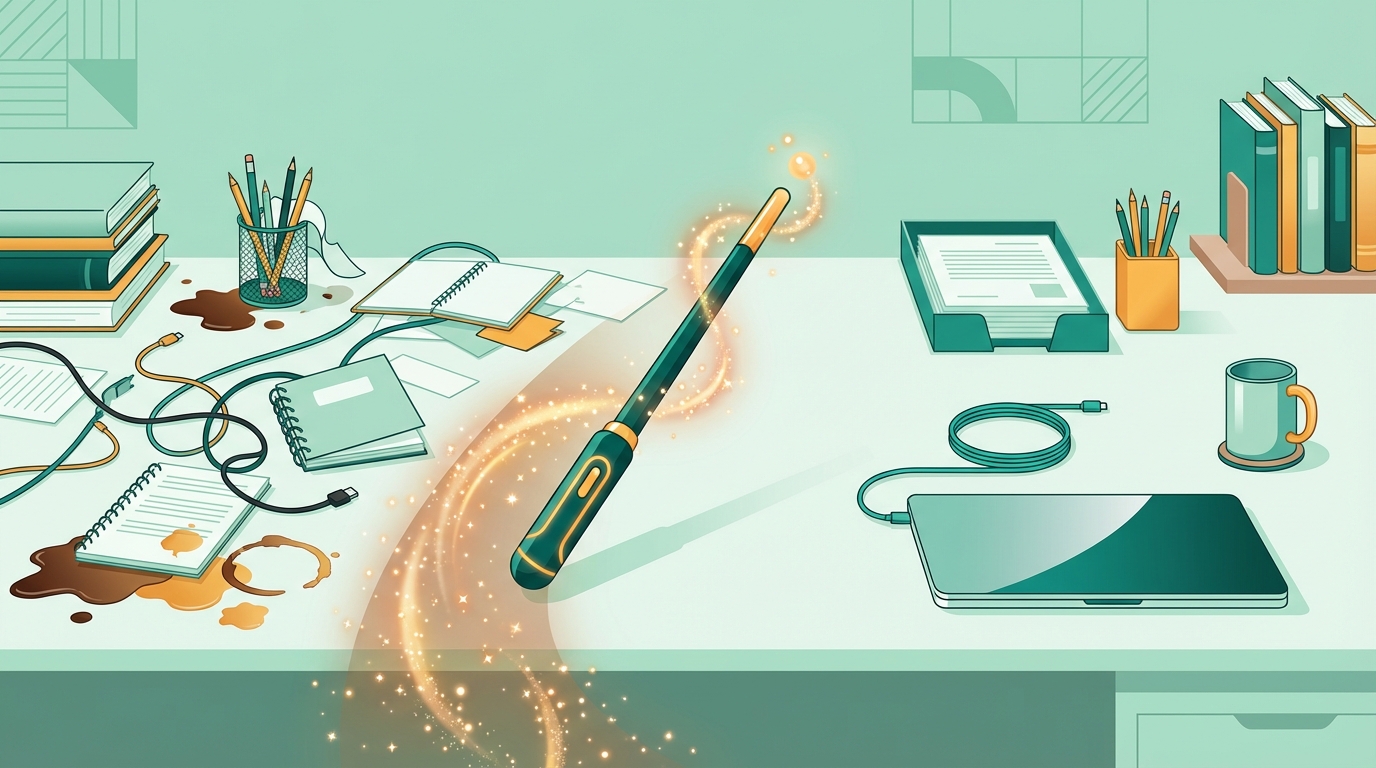
What "photo cleanup" actually means
Photo cleanup is a specific job: removing distractions from an otherwise good image. It is not retouching (smoothing skin, whitening teeth). It is not color grading (adjusting exposure, saturation, white balance). It is not compositing (swapping backgrounds, adding elements that weren't there).
Cleanup is about things that should not be in the photo at all. The garbage bin that was just outside the frame. The power line that runs through what would otherwise be a clean landscape. The construction scaffold that appeared two weeks before the wedding. The random person who walked through the background at exactly the wrong moment.
These are not aesthetic decisions. They are mistakes in the photo that have nothing to do with the subject. AI photo cleanup is designed for exactly this kind of problem.
This is different from filters. Filters change the look of everything. Clean up photo tools change the content of specific areas. A filter cannot remove a trash can. Cleanup can.
How AI photo cleanup works
Two things happen when you run an AI photo cleanup. First, object detection scans the image and identifies discrete objects: people, vehicles, signs, furniture, animals, and structural elements. Each object is treated as a thing that can be independently selected and removed.
Second, once you select an object for removal, inpainting reconstructs what was behind it. The algorithm looks at the surrounding pixels, the texture and lighting of the surrounding area, and generates a plausible fill. On a clear background (sky, grass, a plain wall), this is straightforward. On complex textures (brick, foliage, patterned carpet), it is harder.
The key distinction from older tools is that you are not painting a mask over the object. You are not telling the software "here are the pixels I want removed." You are clicking on a recognized object and letting the software handle the rest. AI image cleanup at this level treats your photo as a scene with things in it, not as a grid of pixels.
AI photo cleanup in four steps with BOARD
Go to app.brd.ing and upload the photo you want to clean up. Use the original file from your camera or phone if you have it. Exported JPEGs at standard quality (80 percent or higher) work fine. What to avoid: compressed reposts, screenshots of photos, or images that have already been saved multiple times at low quality.
After upload, BOARD runs object detection on the image. This takes a few seconds. The result is a set of outlines around every detectable object in the scene. Hover over the photo to see what has been identified. Most distractions (trash cans, vehicles, people, signs) show up as distinct selectable objects.
Click on the object you want gone. BOARD highlights it with a colored outline so you can confirm you have the right thing selected. If the object you want to remove is not highlighted separately, it may be too close to something you want to keep. Select the closest match and proceed.
Hit remove. The cleaned image appears in a few seconds. Use the compare slider to check the result against the original. If the fill looks slightly off (mismatched texture, faint residual outline), run a second pass on that area. Download the result at full resolution when you are satisfied.
Common AI photo cleanup jobs
Event photos
Venue staff who wandered into the background. A drink on a table that should be cleared. Cables running across the dance floor. One person who closed their eyes and whose removal opens up the whole group shot.
Product shots
A price sticker that wasn't fully removed before the shoot. A fingerprint smudge on the background paper. A power cord that connects the product to a charger. Cleanup keeps the product front and center without a full reshoot.
Street photography
A van that parked directly in front of the building you wanted to photograph. A no-parking sign in an otherwise clean architectural shot. A garbage bag that appeared on pickup day. Street photography often requires working around the randomness of public space.
Family photos
A stray toy in the corner of what would otherwise be a clean family portrait. A stranger's arm or shoulder visible at the edge of a group shot. The power line running through the background of the backyard photo. These are the cleanup jobs that most people have sitting on their phones right now.
What AI image cleanup does not fix
Large objects covering most of the frame are hard. If a person is standing in front of the main subject, removing them means reconstructing whatever is behind them, including parts of the subject they were obscuring. The result is often plausible but not always clean.
Complex overlapping objects are harder than isolated ones. A wire that runs in front of a person's face and also in front of a tree behind them requires the tool to understand depth, which is a harder reconstruction problem than a trash can sitting in open grass.
Very low-resolution images have less pixel data for the inpainting algorithm to work from. The reconstructed fill may look soft or inconsistent with the surrounding detail. Clean up photo results improve with image quality.
Start with the easy cleanup first. Remove isolated objects against clean backgrounds before tackling anything near the main subject. The quick wins tell you whether the tool is going to work well for your specific photo before you spend time on the harder parts.
Frequently asked
Is AI photo cleanup free?
BOARD gives you five free edits with no account required. You can upload a photo and remove objects immediately without entering payment details. After the free tier, each removal is $0.50. There is no monthly subscription.
What is the best AI photo cleaner?
For single-click removal of isolated objects, BOARD is the fastest. You do not paint a mask or draw a selection. For complex multi-layer edits with precise manual control, Photoshop is stronger and gives you more options when AI doesn't get the fill right. Cleanup.pictures is a good free alternative for brush-based removal. The best AI photo cleaner depends on how much manual control you need.
Does AI photo cleanup work on old photos?
Yes. Scanned prints from decades ago clean up the same way digital photos do. The practical limit is resolution: a very small or heavily compressed scan gives the AI less data to work with when reconstructing the fill. If you have the original print, scan it at the highest resolution your scanner supports before uploading.
Upload the photo and clean it up.
Five edits free. No account required. See the result in seconds.
Clean Up a Photo Free →