Remove anything from any photo
Upload a photo. Click what you don't want. Gone in 3 seconds.
5 free edits · Works on mobile · Only pay for results you keep · Photos deleted after processing
What is BOARD?
BOARD is an AI-powered photo editing tool that removes unwanted objects from photos in one click. Built by Rainn Inc. in San Diego, it uses object detection AI to identify every element in a photo — people, cars, signs, power lines, trash cans, clutter — and lets you remove any of them with a single click. The AI then reconstructs the background automatically. No Photoshop skills required.
BOARD works entirely in the browser on any device — phone, tablet, or desktop. There is nothing to download. Processing takes under 3 seconds per edit, and the output is full-resolution with no compression or watermarks. Pricing starts with 5 free edits, then credit packs from $0.50 per edit with no subscription.
As of March 2026, BOARD has processed over 10,000 edits for 2,800+ users and holds a 4.7 rating on Product Hunt. Common use cases include removing tourists from travel photos, cleaning up real estate listings, preparing product photos for marketplaces like Amazon and Etsy, and removing power lines or date stamps from landscape photography.
See BOARD in Action
Real results from real photos.
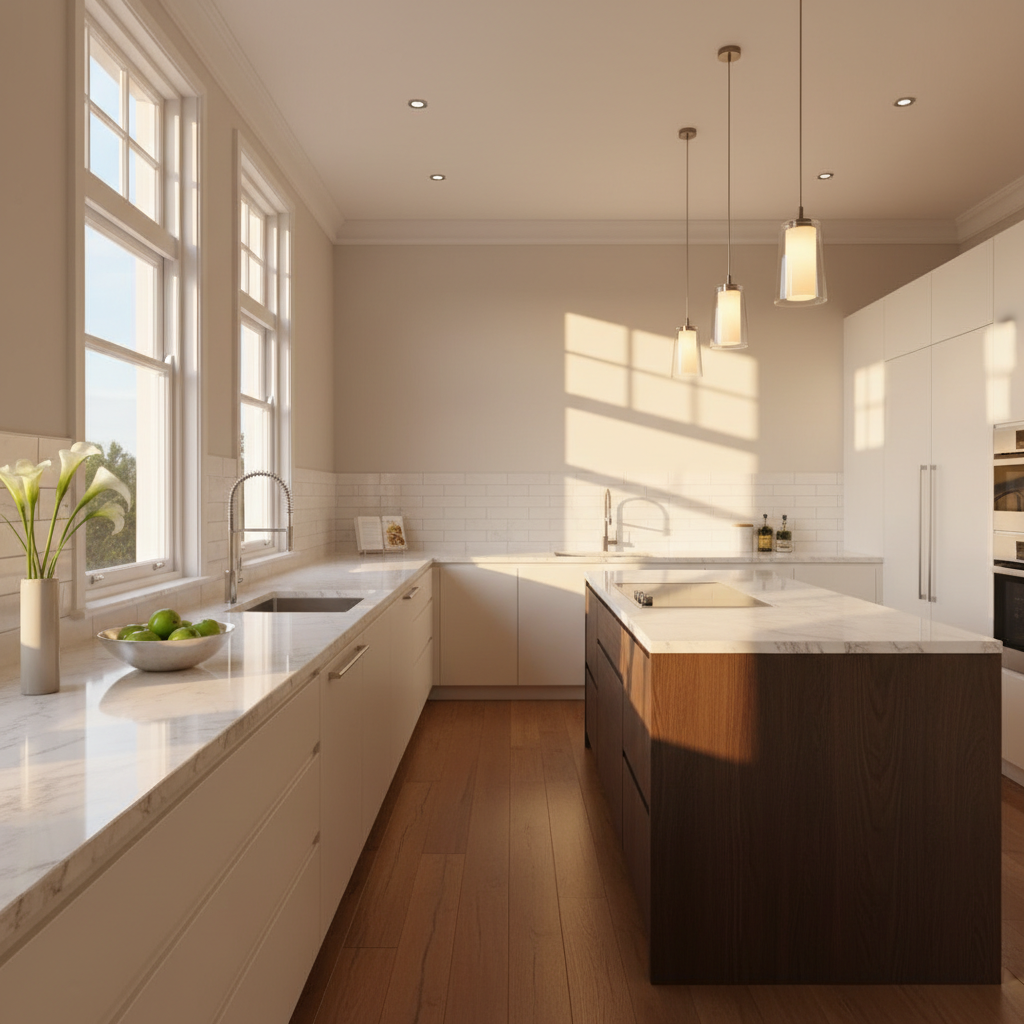
Real Estate Photo Cleanup

Travel Photo Cleanup
Three steps. That's it.
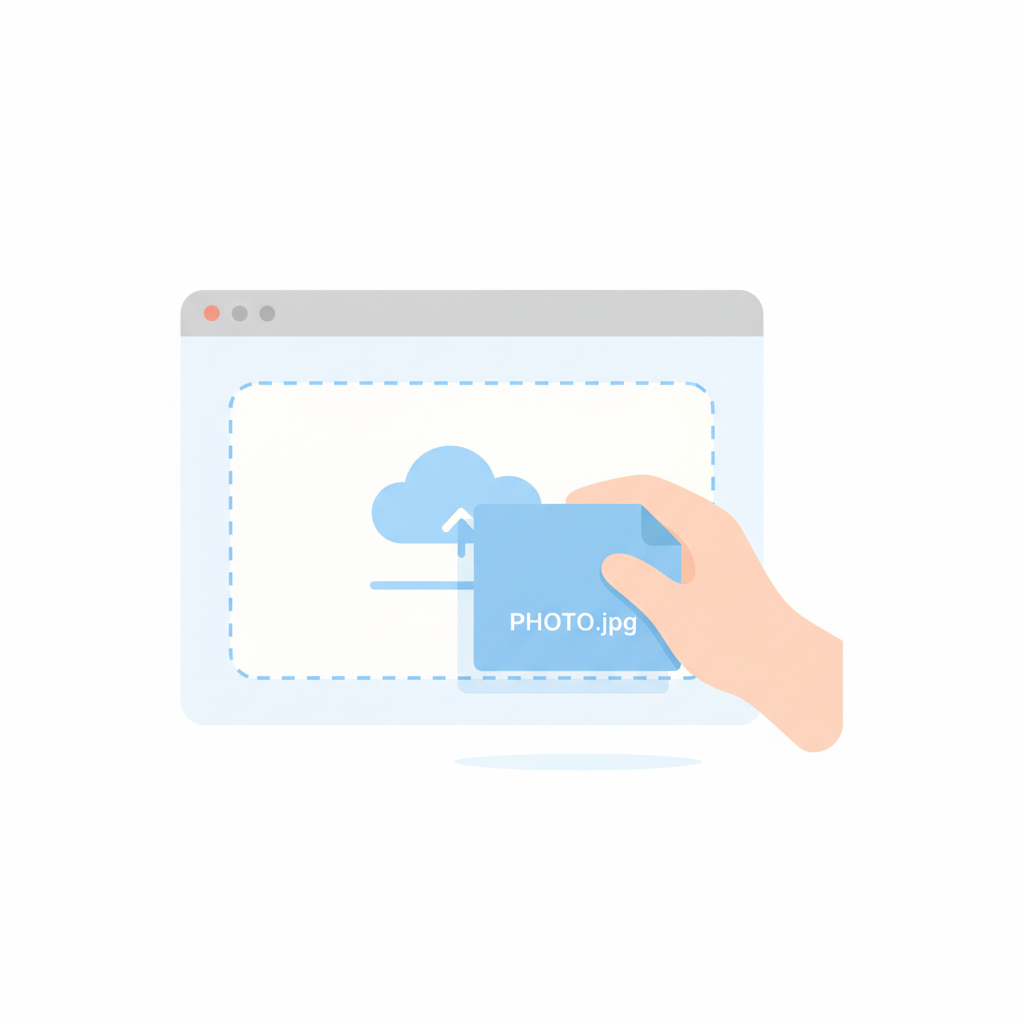
Upload Your Photo
Drag, drop, or tap. JPG, PNG, WebP. Up to 20MB. Works from any device.

AI Detects Objects
BOARD scans the image and identifies objects — from people to parked cars to stray trash cans.
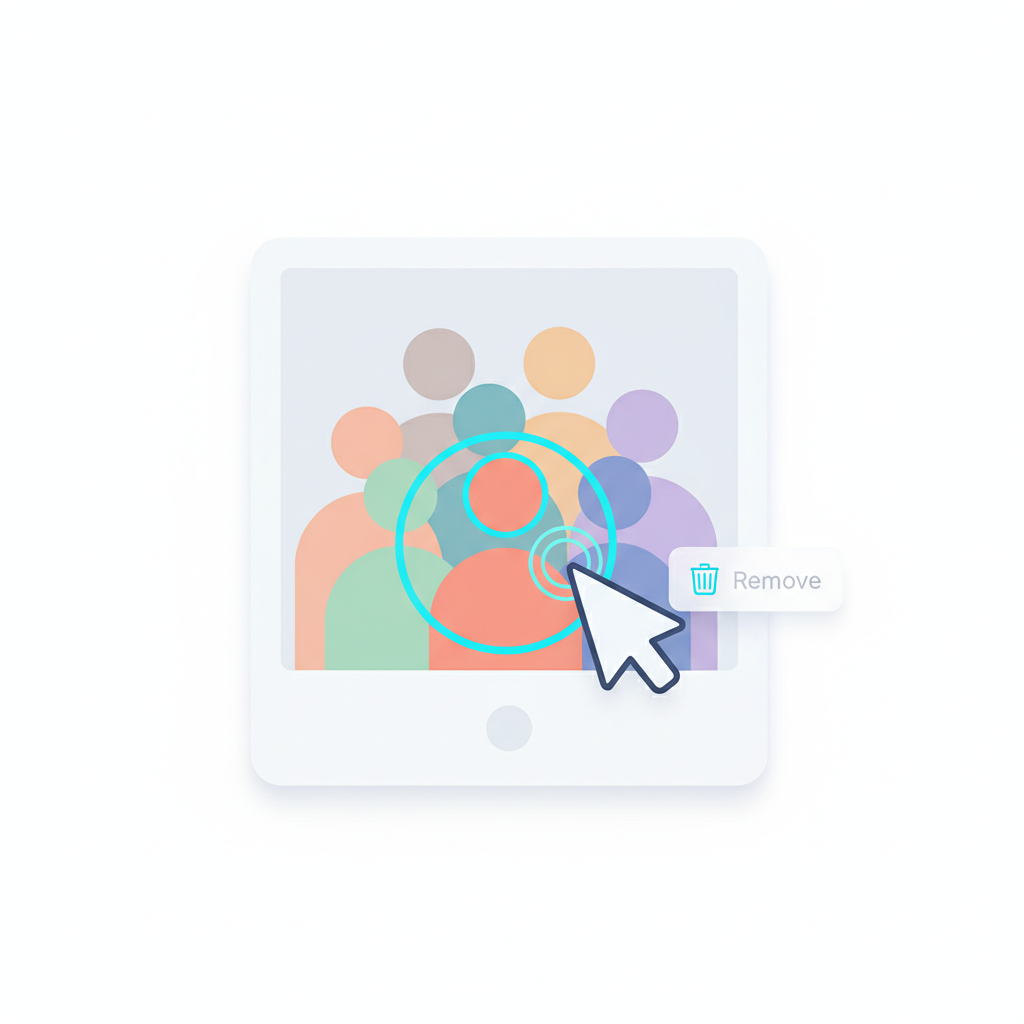
Click & Remove
Click any detected object. AI removes it and fills the background naturally. Download your clean photo.
Clean photos in clicks, not hours.
Object-Oriented Selection
No brushes, no lasso tools. Click once to select the whole object.
Sub-3s Processing
From click to clean photo in under 3 seconds. No progress bars.
Context Fill
AI reconstructs what was behind the removed object using surrounding visual context.
Full Resolution Output
Full-resolution download. No compression, no watermarks.
Your Photos, Your Business
Photos are processed and immediately deleted. We never store, train on, or share your images. Privacy by design.
Any Device, Any Browser
Phone, tablet, laptop — BOARD works everywhere. No downloads. Open brd.ing and start editing.
Works on phone, tablet, and desktop.

One click. Same beach, no crowd.
Before
Crowded beach photo. Strangers, towels, umbrellas everywhere. The shot you wished you'd gotten.
After
Pristine beach. Just you and the sunset. One click removed the distractions.
What users are saying
"Took out three tourists from my landscape shot in ten seconds. I'd have spent 20 minutes on this in Photoshop."
"I clean up 50+ property photos a week. Cars in driveways, trash cans, lawn signs — one click each. Cut my editing time by about 80%."
"Started using it for Instagram photos. My shots look way cleaner now, and I didn't have to learn anything."
Photo cleanup guides
Step-by-step tutorials for common photo problems.
How to Remove Tourists from Travel Photos
You flew 5,000 miles for that shot. The strangers in it did not. Remove them in one click.
How to Clean Up Real Estate Listing Photos
Remove cars, trash cans, and clutter from listing photos. $0.50 per edit vs $4+ outsourced.
Magic Eraser for iPhone
Pixel has Magic Eraser. Galaxy has Object Eraser. iPhone has BOARD. Works in Safari, no app needed.
BOARD vs. Everything Else
BOARD
Photoshop & Others
Pay per edit. Not per month.
One month of Photoshop ($23) buys 46 BOARD edits.
No subscriptions. Buy credits when you need them. Start with 5 free edits.
Start With 5 Free Edits →Credit Packs
Only charged for edits you download.
Try 5 Free Edits →Frequently Asked
How does BOARD remove objects from photos?
BOARD uses AI to automatically detect every object. Click on what you want gone, and AI fills the background naturally. No brushes needed.
Is BOARD free to use?
Yes! 5 free credits. After that, credit packs start at ~$0.50/edit. No subscriptions.
How is BOARD different from Photoshop?
Photoshop requires manual tools, layers, masks, and skill. BOARD auto-detects objects — you just click. Seconds vs. minutes.
Can I remove people from photos?
Yes. People are detected as individual objects. Click on any person and they're cleanly removed.
Does BOARD work on mobile?
Yes, fully browser-based. Works on any phone, tablet, or desktop. No app needed.
What formats does BOARD support?
JPG, PNG, and WebP. Max 20MB. Works with any photo from any camera or phone.
What if the removal doesn't look right?
Upload your toughest photo — your first 5 edits are free. If it doesn't work the way you want, you haven't spent anything. Credits are only used when you download.
Can I remove overlapping objects or large areas?
BOARD works best on distinct, individual objects. Large removals (like half a wall) or heavily overlapping objects may give mixed results. Start with the free credits to test your use case.
How is this different from the eraser on my iPhone or Android?
Phone erasers require you to paint over what you want removed, and results are often smudgy. BOARD detects the entire object automatically — people, cars, signs — and removes it cleanly in one click. Try both on the same photo and compare.
Your photo is already on your phone.
Upload it. See the result in 3 seconds. If it doesn't look right, you've lost nothing.
Clean Up a Photo Free →